1
CHAPTER 3. USER INTERFACE DESCRIPTION
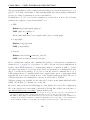
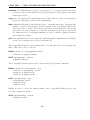
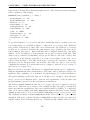
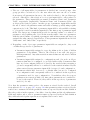
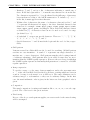
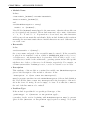
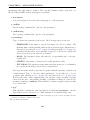
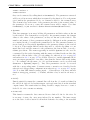
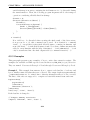
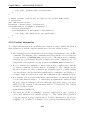
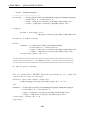
The following steps then are identical for SuSE- and Debian-Linux systems. Only
part -U postgres of any PostgreSQL command must be omitted in case the command is executed as user postgres under Debian.
Note that the PostgreSQL master or server process must be run with option -i.
This option can be set in variable POSTGRES_OPTIONS in file:
SuSE /etc/rc.config or /etc/sysconfig.d/postgresql
Debian In case of Debian, this is not necessary.
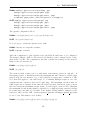
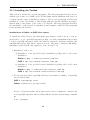
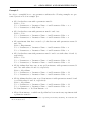
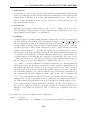
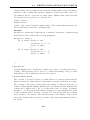
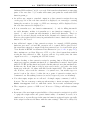
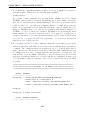
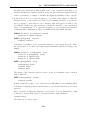
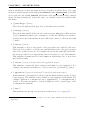
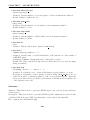
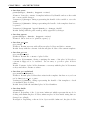
3. A new user <XYZ> registered to the testbed database system is set up by:
# createuser -d -P -q -A -E --host=localhost -U postgres <XYZ>
The system will ask to enter an initial password for the new user.
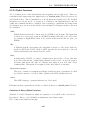
4. A database for user <XYZ> in the testbed’s database system is created with (<db-XYZ>
is the database name used for user <XYZ>):
# createdb -U <XYZ> <db-XYZ>
If PostgreSQL requires a password, the password for user <XYZ> has to be entered.
This holds for any command that includes flags -U <XYZ>.
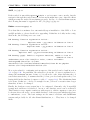
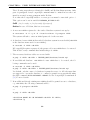
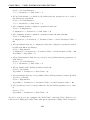
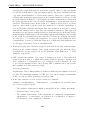
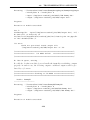
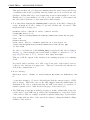
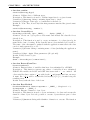
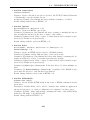
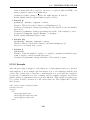
5. The necessary database tables are created with:
# psql -U <XYZ> <db-XYZ> < TESTBED_ROOT/database/initdb.sql
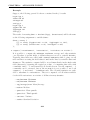
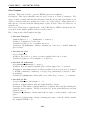
6. If an additional database <db-XYZ2> for user <XYZ> has to be created, the following commands can be used:
# createdb -U <XYZ> <db-XYZ2>
# psql -U <XYZ> <db-XYZ2> < TESTBED_ROOT/database/initdb.sql
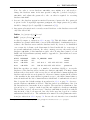
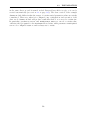
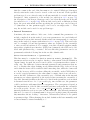
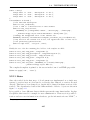
Per default, only the owner of a database is granted access to it. All other user that
are supposed to access the database, too, must be granted access specifically using
the SQL command ALTER DATABASE or GRANT. See the PostgreSQL documentation
[56] for more details.
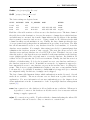
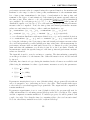
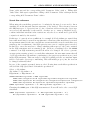
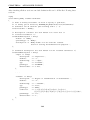
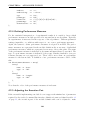
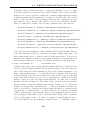
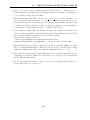
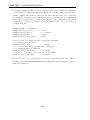
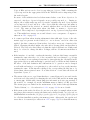
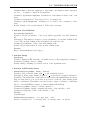
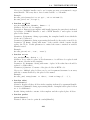
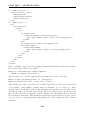
7. If an additional already existing user <XYZ2> should be granted access to a database,
e.g. <db-XYZ>, the following commands will do:
# psql -U postgres <db-XYZ>
or
# psql -U <XYZ> <db-XYZ>
<db-XYZ>=# GRANT ALL ON DATABASE <db-XYZ> TO <XYZ2>;
<db-XYZ>=# \q
62