1
CONTROL PORTS AND PROTOCOLS - continued
Programming The Inputs
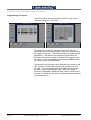
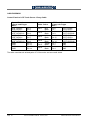
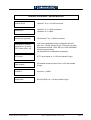
The GPI functions are programmed in the GPI menu found
under the Configure - User menu.
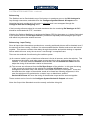
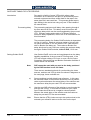
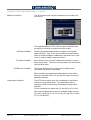
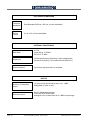
The left screen shows the, standard, eight GPIs with their
allocated function and which edge or level of the control signal
will trigger the function. The rotary controls are used to set the
parameters. The leftmost one steps through the GPIs, the
third from left selects the edge or level and the rightmost sets
the value. Value only applies to functions with DMEMs and is
the number of the required DMEM.
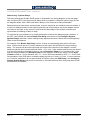
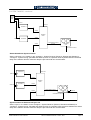
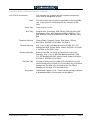
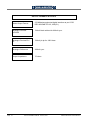
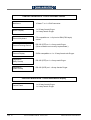
The second from left rotary control allocates the function to the
GPI. When it is rotated the menu screen changes to that on
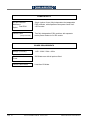
the right. This menu displays all the available functions and
the rotary control steps through them. When the required
function is highlighted release the rotary control and the menu
will return to that on the left with the selected function allocated
to the selected GPI.
Page 26
SD1512 Installation Manual - Issue 8, Rev 1
S&W Production & Post Production