1
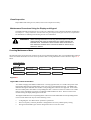
New Application SSM – Same Application Program
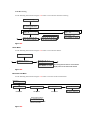
There are times when it is desirable to change application SSMs but continue to use the same application
program. A few examples are:
•
•
•
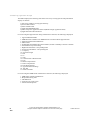
A single application SSM is being upgraded to a multiple application SSM in an effort to
standardize
When upgrading to a new revision of Multiple Application SSM but the given application at the
site is not changing
When troubleshooting a problem and the SSM is at fault or at least suspect.
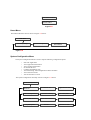
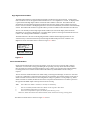
When changing SSM’s on PMD-4 systems with the same application program for multiple PMD-4
platforms, perform the following steps.
1.
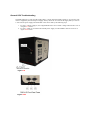
Start with the PMD-4 power switch in the OFF position.
2.
Remove the old SSM and add the new SSM module to the PMD-4 chassis.
3.
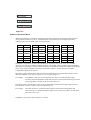
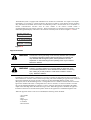
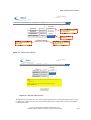
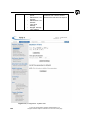
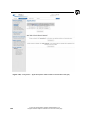
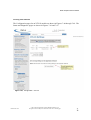
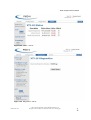
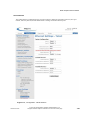
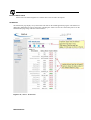
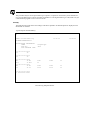
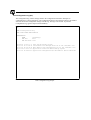
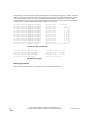
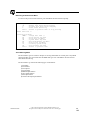
Turn the PMD-4 ON and verify that the system starts without error and the alarm messages displayed
on the CDU or WebGUI is Application Selection Required and Chassis ID/SSM mismatch alarms.
4.
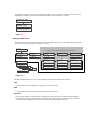
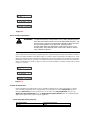
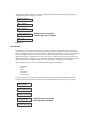
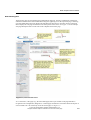
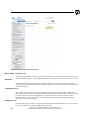
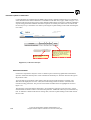
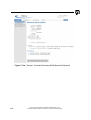
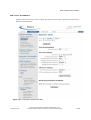
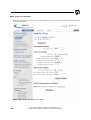
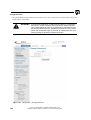
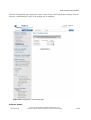
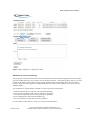
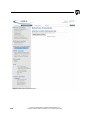
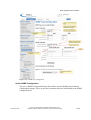
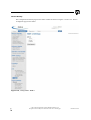
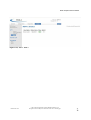
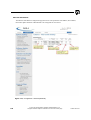
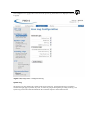
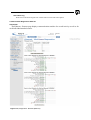
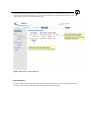
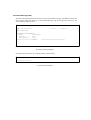
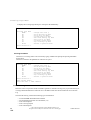
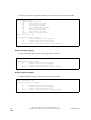
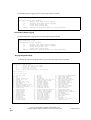
Enter the Chassis ID/SSM mismatch menu of the CDU or WebGUI application page and enter which
is being changed either the SSM or PMD-4 Chassis. Select “Replaced SSM”.
5.
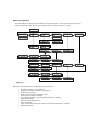
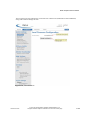
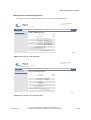
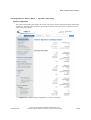
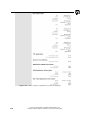
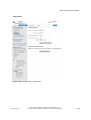
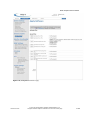
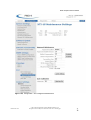
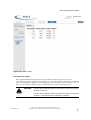
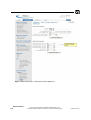
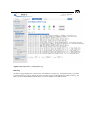
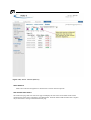
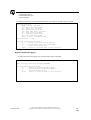
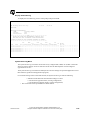
Select the desired generic application program and verify the CRC and checksum information
displayed is as expected.
6.
Label the SSM modules according to this generic use.
7.
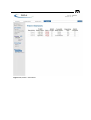
Verify that all the health LEDs are illuminated and that no alarm messages are displayed on the
CDU.
New PMD-4 Chassis – Same SSM & Application Program
There are times when it is desirable to change PMD-4 systems but continue to use the same application
program.
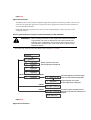
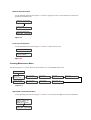
When changing a PMD-4 Chassis with the same application program, perform the following steps.
1.
Start with the PMD-4 power switch in the OFF position.
2.
Remove the old Chassis and add the new Chassis with the SSM module with desired working
application.
3.
Turn the PMD-4 ON and verify that the system starts without error and the alarm messages displayed
on the CDU or WebGUI is Application Selection Required, Chassis ID not set and Chassis ID/SSM
mismatch alarms. Note the Chassis ID is set to *** when the default application is loaded.
4.
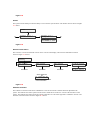
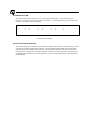
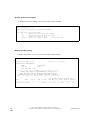
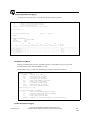
Set the Chassis ID to agree with the value set in the application(default is 0). The PMD-4 system will
save the value and reset.
5.
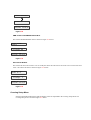
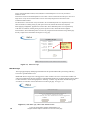
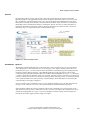
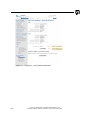
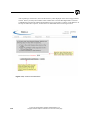
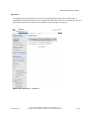
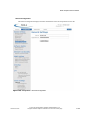
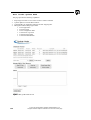
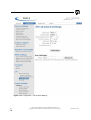
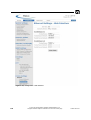
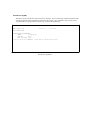
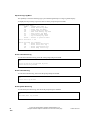
Enter the Chassis ID/SSM mismatch menu of the CDU or WebGUI application selection page and
enter which is being changed either the SSM or PMD-4 Chassis. Select “Replaced PMD4”.