1
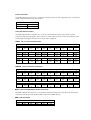
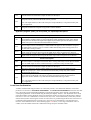
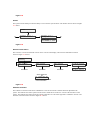
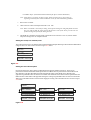
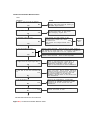
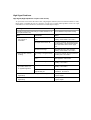
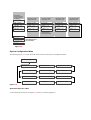
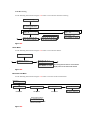
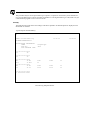
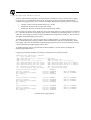
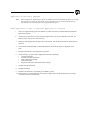
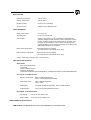
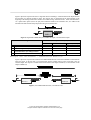
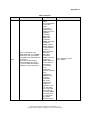
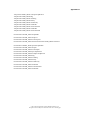
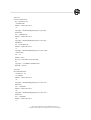
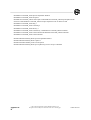
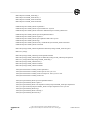
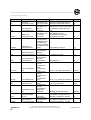
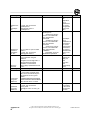
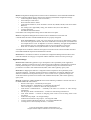
Activity
Upload exec
file
vpmallepm.
bin
Remote Computer Command
C: pscp -sftp -pw sshuser
vpmallepm.bin
[email protected]:
vpmallepm.bin
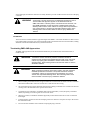
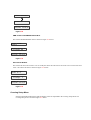
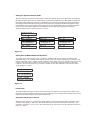
Validate the
Uploaded
vpmallepm.
bin file
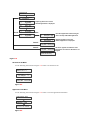
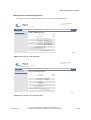
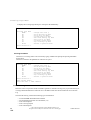
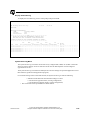
log on to WIU to open an SSH
session:
C: plink -ssh -pw sshuser
[email protected]
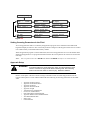
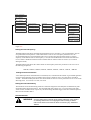
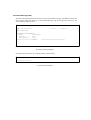
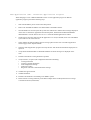
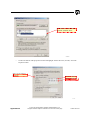
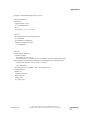
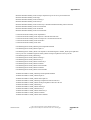
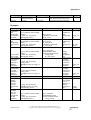
Apply the
executive
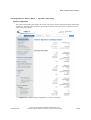
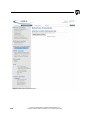
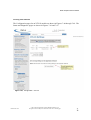
Log on the WIU using the
WebGUI
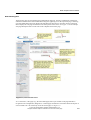
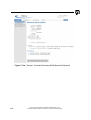
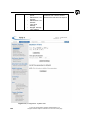
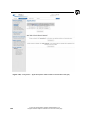
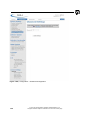
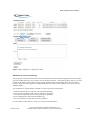
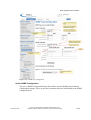
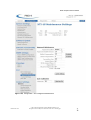
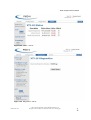
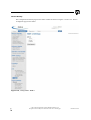
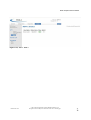
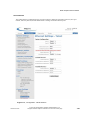
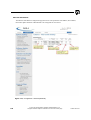
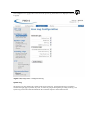
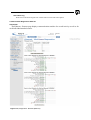
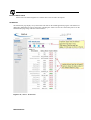
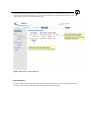
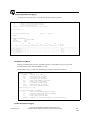
Navigate to the Configuration ->
Apply Software web page
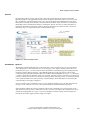
Establish Local Presence
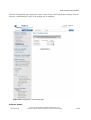
Select Apply Uploaded Exec file
button
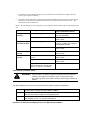
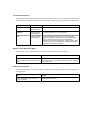
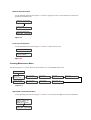
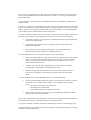
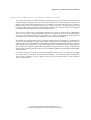
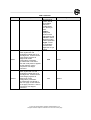
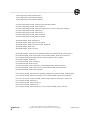
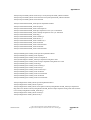
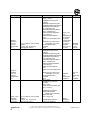
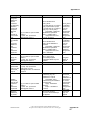
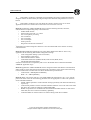
Activity
Remote Computer Command
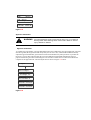
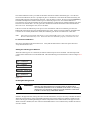
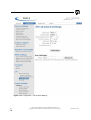
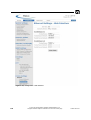
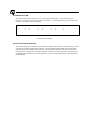
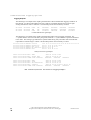
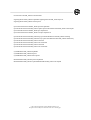
Create PTC
encrypted
HMAC file
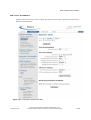
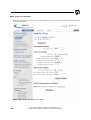
In a text editor (notepad) enter
KEY.hmac-hex followed by the
24 character hex encrypted
HMAC 1508BB10D2B76533767B4B05
59E4D7182C85F1961DC6B964
Save the file with a .txt suffix
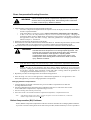
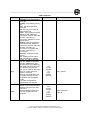
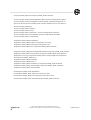
Upload the
encrypted
HMAC file
C: pscp -sftp -pw sshuser
hmac_file.txt
[email protected]:hmac_file.
txt
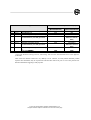
Appendix E54
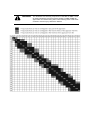
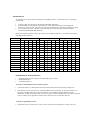
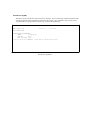
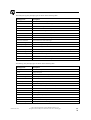
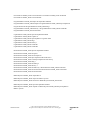
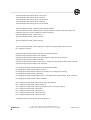
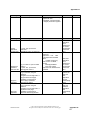
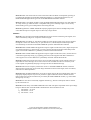
WIU SSH Command
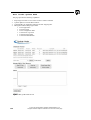
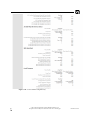
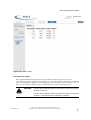
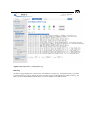
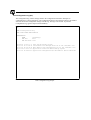
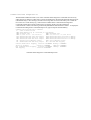
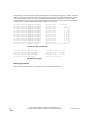
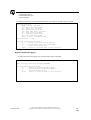
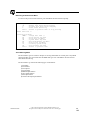
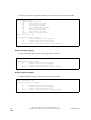
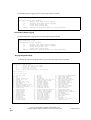
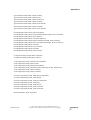
SSH > validate exec
vpmallepm.bin
VPM A Exec Image Version: FULL Bld0132F
Size: 954288 CRC:
2825ADAE
VPM B Exec Image Version: FULL Bld0132F
Size: 921728 CRC:
E27636F0
VPM C Exec Image Version: FULL Bld0132F
Size: 2301656 CRC:
F1DB5E46
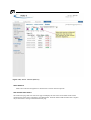
SUCCESS : Exec file
validated and uploaded.
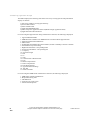
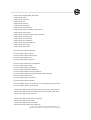
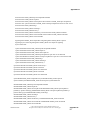
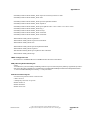
Result
vpmallepm.
bin
application
file is
uploaded to
the saved
configuration
area of the
WIU
Product
vpmallepm.
bin is
validated and
moved from
the saved
configuration
files area tio
the Upload
Software files
area on the
WIU.
System will
apply the
new
executive
and
automatically
reset.
WIU SSH Command
© 2015 GE Transportation Systems Global Signaling, LLC.
All rights reserved. Subject to restrictions on the cover or first page.
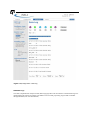
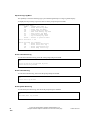
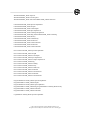
Result
Product
hmac_file.txt
is uploaded
to the saved
configuration
file area
100323-010 AT0