1
562300-000, Issue1.0, April 2013
7.2 Limit Control Override
7.2.1 Soft Override
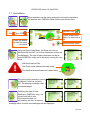
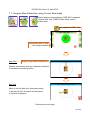
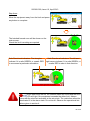
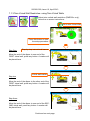
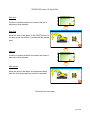
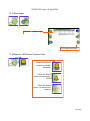
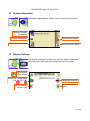
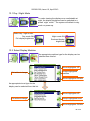
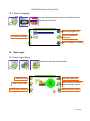
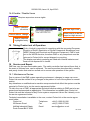
After three seconds a soft override button will appear in the right hand middle
icon if the Top Menu screen is selected. If the soft override button is pressed,
the machine hydraulics will be re-enabled. However, the internal alarm will
stay active, the red LED will flash, the beacon (if fitted) will switch off and an In
Override message will appear on the display. Once the alarm condition has
been corrected the RCC will automatically clear the override request and revert to normal
operation.
Soft override
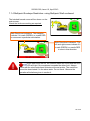
7.2.2 Master Override key Switch
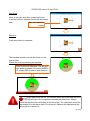
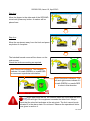
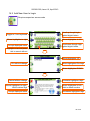
The system can optionally be fitted with a key operated
Master override switch. Turning the switch to the override
position will allow normal operation of any of the hydraulic
services regardless of safety status. When the unit is in override the internal
alarm will stay active, and the beacon (if fitted) will indicate that the machine
is overridden, the red LED will flash and an In Override message will appear
on the display. See section 4.1 for further details.
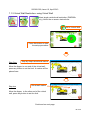
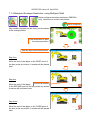
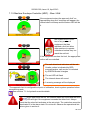
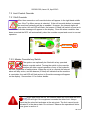
Once slew limits are set, the internal alarm will sound and the RED
LED will light if the equipment exceeds the either limit. Always
check that the slew limit activates at the set points. The limit cannot be deactivated if in the alarm state. Do not travel. Observe the operational limitations given in section 4.
26 of 40