1
Extensions — Web Services
585
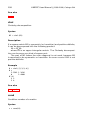
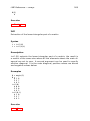
See also
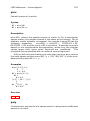
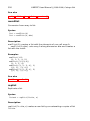
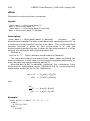
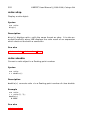
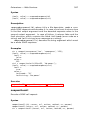
soapcallset
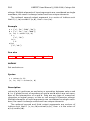
soapcallset
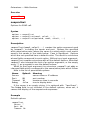
Options for SOAP call.
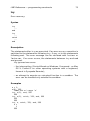
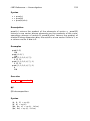
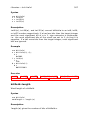
Syntax
options = soapcallset
options = soapcallset(name1, value1, ...)
options = soapcallset(options0, name1, value1, ...)
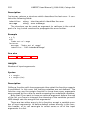
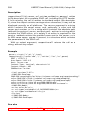
Description
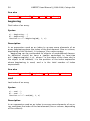
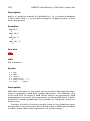
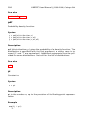
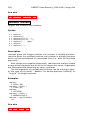
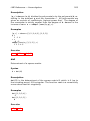
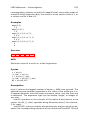
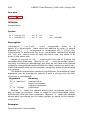
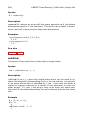
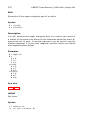
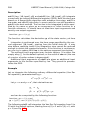
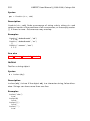
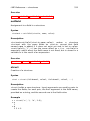
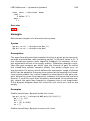
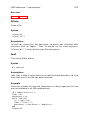
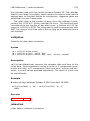
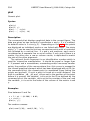
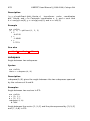
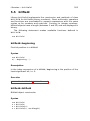
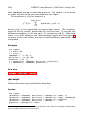
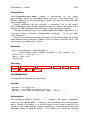
soapcallset(name1,value1,...) creates the option argument used
by soapcall, including the server and port. Options are specified
with name/value pairs, where the name is a string which must match
exactly the names in the table below. Case is significant. Options
which are not specified have a default value. The result is a structure
whose fields correspond to each option. Without any input argument,
soapcallset creates a structure with all the default options. Note that
soapcall also interpret the lack of an option argument, or the empty
array [], as a request to use the default values.
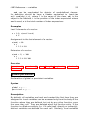
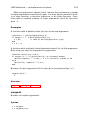
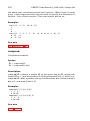
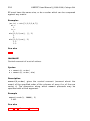
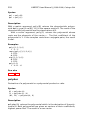
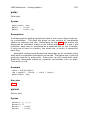
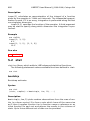
When its first input argument is a structure, soapcallset adds or
changes fields which correspond to the name/value pairs which follow.
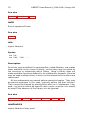
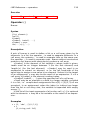
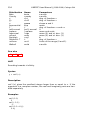
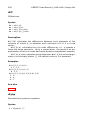
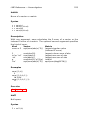
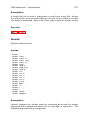
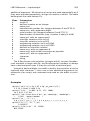
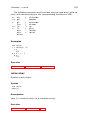
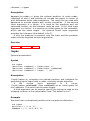
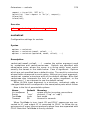
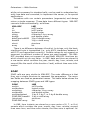
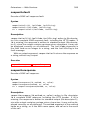
Here is the list of permissible options:
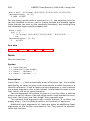
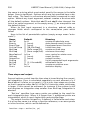
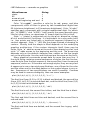
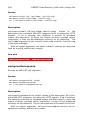
Name
Server
Port
Timeout
Debug
Default
’’
80
10
false
Meaning
server name or IP address
port number
maximum time in seconds
true to display data
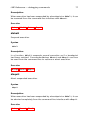
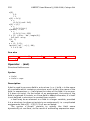
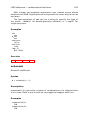
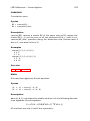
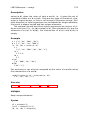
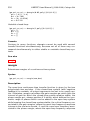
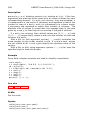
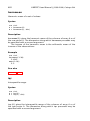
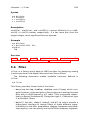
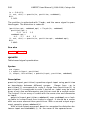
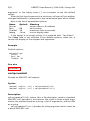
If the server is an empty string, it is replaced with ’localhost’.
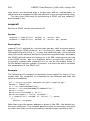
The Debug field is not included in the default options; when set, it
causes the display of the request and responses.
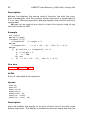
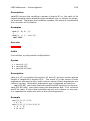
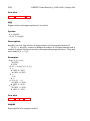
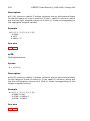
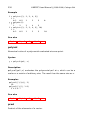
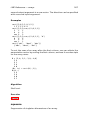
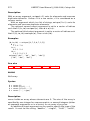
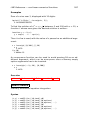
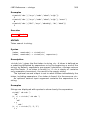
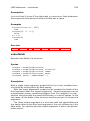
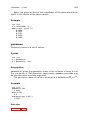
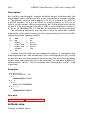
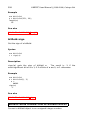
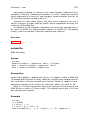
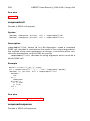
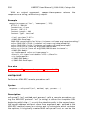
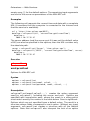
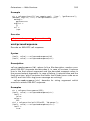
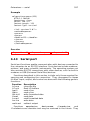
Example
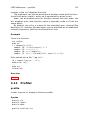
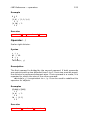
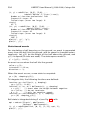
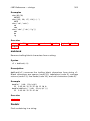
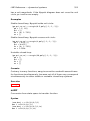
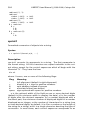
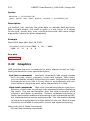
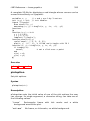
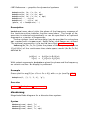
Default options:
soapcallset
Server: ’’
Port: 80
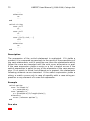
Timeout: 10