1
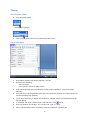
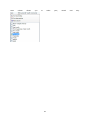
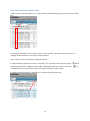
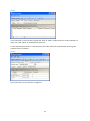
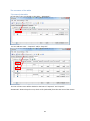
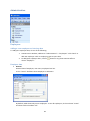
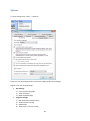
Work with tables You can change the look of tables by: Sorting Click on column heading to sort the table. Click again on same field to reverse sort direction. Grouping The header of the table shows groups used. Drag a column header there to group by that column and display subtotals. You can group by more than one field. Autofilter Arrow-button in column header opens an autofilter menu. Click on a value to filter table data. Date column allows you to select year, months and day. 10