1
Details
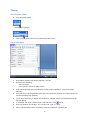
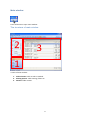
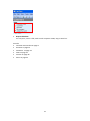
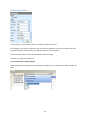
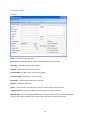
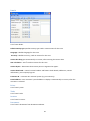
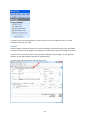
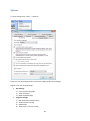
Details tab specifies data for this customer:
Default activity type specifies activity type used in new activities for this customer.
Language is default language for this customer. Language icon
is shown in the right corner of
comment field. Enter comment template texts according to language settings (see also on page 46).
Currency is default currency, used on invoices for this customer.
Invoice due days goes automatically on invoice, after entering the invoice date.
VAT calculation – VAT % used on invoices for this customer.
Invoice layout – determines how invoice parts are organized on paper.
Invoice letterhead – controls invoice headers and footers: bank details, addresses, contact
information, your company logo etc.
Customer ID – customer ID in external system (e.g. accountancy).
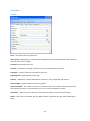
Postal address - enter customer’s postal address if it’s different from customers address. It displays
automatically on invoice, after the customer is selected.
21