1
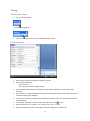
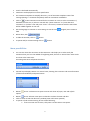
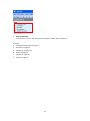
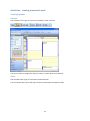
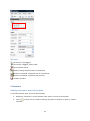
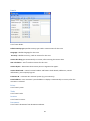
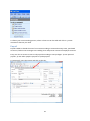
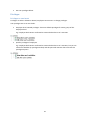
Right click on selected rows opens a menu with options:
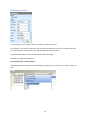
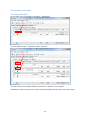
Create a view
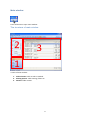
To view or edit flagged activities, use the main window Activities section.
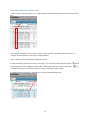
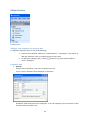
To view activities with different billing statuses, create a view. For example: “”Bill needed” and “Bill
empty”.
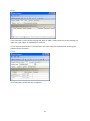
The view “Bill needed” shows all the activities which are flagged “ready to bill”. This view gives you a
quick overview of the customers and activities to bill.
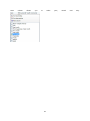
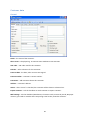
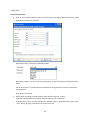
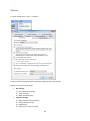
To create this view use filter (date, customer, case, comments) in the main window and sort the
column named “Bill status”, checking “Bill needed”.
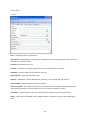
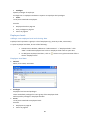
The view “Bill empty” shows all activities which are waiting to be flagged for billing.
To create this view, use filter (date, customer, case, comments) in the main window and filter the
column named “Bill status”, checking “Empty”.
18