1
Wireless Client Mode
1.
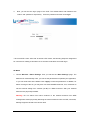
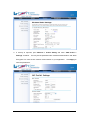
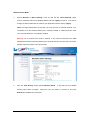
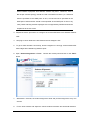
Choose Wireless > Basic Settings. Then you will see the “Basic Settings” page.
Choose “Wireless Client” from Wireless Mode, and click “Apply” to save it.
Feel free to
change the other parameters to optimize your application before clicking “Apply”.
Note: For longer transmission of the CPE, you may also use an external antenna; if so,
remember to set the antenna setting from “Internal (16 dBi)” to “SMA Connector” after
your external antenna is successfully installed.
Warning: Do not switch from built-in antenna to the external antenna from WEB
management without physically attaching the external antenna onto the CPE; otherwise,
damage might be caused to the device itself.
2.
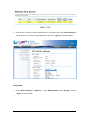
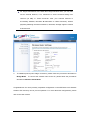
Click the “Site Survey” button beside Wireless Mode.
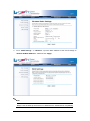
access points within coverage.
It will scan all the available
Select the one you prefer to connect to, and click
Selected to establish the connection.