1
issues between equipment from different vendors may arise.
Moreover, Tree or
Star shape network topology should be used in all WDS use-cases (i.e. if AP2 and
AP3 are specified as the WDS peers of AP1, AP2 should not be specified as the
WDS peer of AP3 and AP3 should not be specified as the WDS peer of AP2 in any
case). Mesh and Ring network topologies are not supported by WDS and should be
avoijded in all the use cases.
3. Repeat the above procedures to configure the remote IEEE 802.11a/n Wireless Outdoor
CPE.
4. Use ping to check whether the link between the two bridges is OK.
5. To get a better wireless connectivity, antenna alignment is strongly recommended after
both bridges are installed long distance apart.
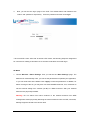
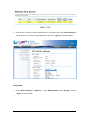
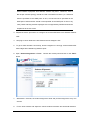
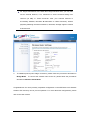
6. Open “Antenna Alignment” in Tools.
Choose the remote peer and click on the “Start”
button.
7.
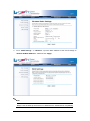
Wait about 5 seconds, the antenna alignment starts and performs alignment every one
second.
8.
Fix the local antenna and adjust the remote antenna elevation and horizontal direction.