1
Creating the Project Data
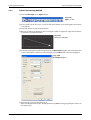
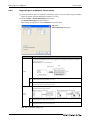
Example Setting the Object Function
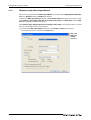
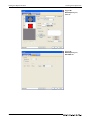
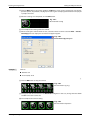
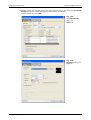
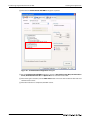
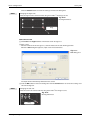
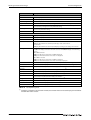
Settings (Device/Style tab):
● Lamp type: Bit
● Device: M0
Settings (Text tab):
● Device: M0
● Font: 16dot Standard
Settings (Extended tab):
● Layer: Front
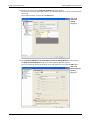
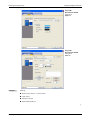
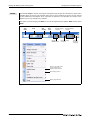
Click the ON button to check the attributes of ON time.
A text can be registered in each display position (Center, Top, Bottom, Left, Right). The textregistered display position button is displayed in purple characters.
When the settings are completed, click the OK button.
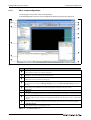
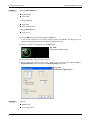
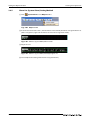
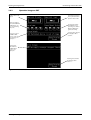
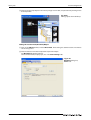
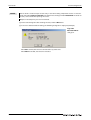
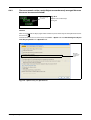
Fig. 3-42:
Bit Lamp after making settings
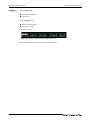
This completes the setting of the first Lamp.
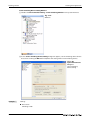
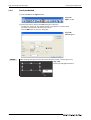
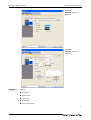
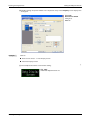
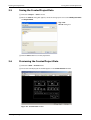
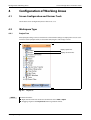
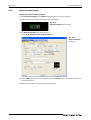
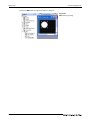
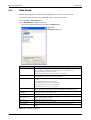
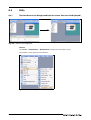
When creating the second Lamp or later, select the set Lamp and then select the Edit Consecutive Copy menu to display the Consecutive Copy dialog box.
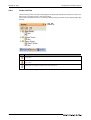
Fig. 3-43:
Consecutive Copy dialog box
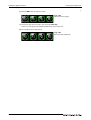
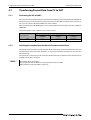
Example Set data:
● Number: X: 4
● Interval (Dot): X: 10
GT Designer3 Beginner's Manual
3 - 23