1
Settings for Working with GT Designer3
NOTES
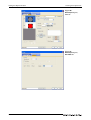
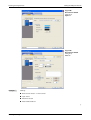
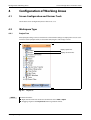
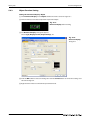
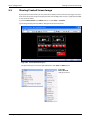
Configuration of Working Areas
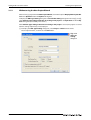
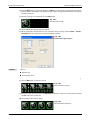
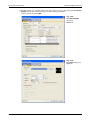
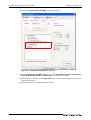
The function Snap is used to aline figures and objects with the grid. The alinement is done with a
multiple of the snap value. For example, if the value is set to 16 points the cursor can only moved
to the coordinates of multiples of 16. A position in between is not possible. The cursor or the
object are so to say snaped every 16 points.
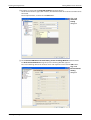
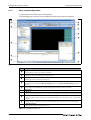
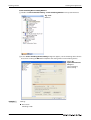
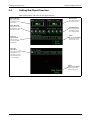
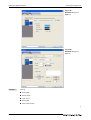
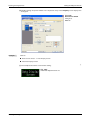
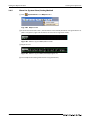
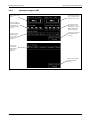
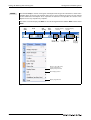
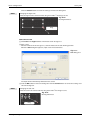
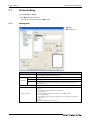
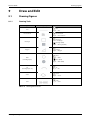
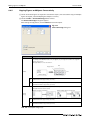
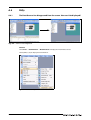
The items set on the display tab View can also be changed from the toolbar View and the menu
View.
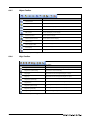
Snap
Value
Zoom
Grid
Spacing
Grid
Color
Changes display
of devices
Change of
ON/OFF status
Changes display
of objects
Devices, object IDs, paint,
objects, display/nondisplay of object frames
Grid display position
Display magnification
Fig. 4-8:
4-8
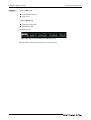
View toolbar and View menu
Changes display
of layers
Changes
display of
language