1
Setting the Object Function
Creating the Project Data
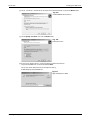
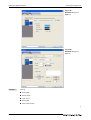
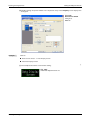
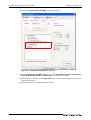
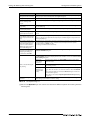
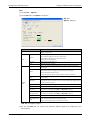
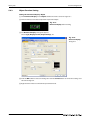
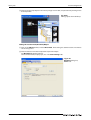
Click the ON button to check the attributes of ON time. A text can be registered in each display
position (Center, Top, Bottom, Left, Right). The text registered display position button is displayed
in purple characters.
When the settings are completed, click the OK button.
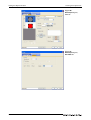
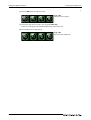
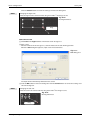
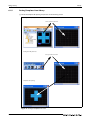
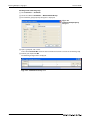
Fig. 3-60:
Switch after Setting
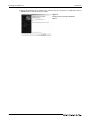
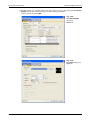
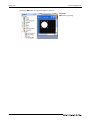
Adjust the size.
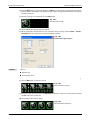
Fig. 3-61:
Switch after adjustment the size
This completes the setting of the Switch on Base Screen 1.
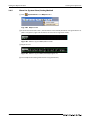
After setting, press the [Ctrl] key + [C] key with the Switch selected. (Shortcut: Copy)
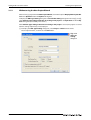
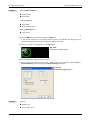
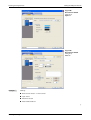
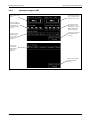
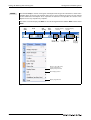
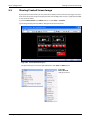
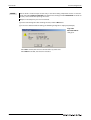
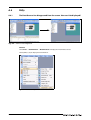
Click Base Screen 2 (Error screen) on the editor tab.
Click
Fig. 3-62:
Screen editor’s Editor tab
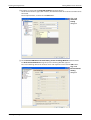
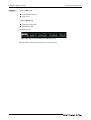
Press the [Ctrl] key + [V] key on Base Screen 2 to paste the copied Switch. (Shortcut: Paste) Click
the mouse to paste the Switch.
3 - 30