1
6.2 Using the Launcher
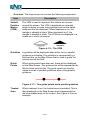
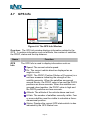
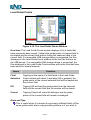
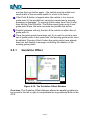
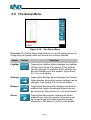
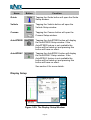
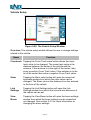
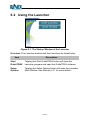
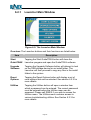
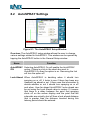
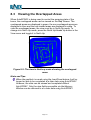
Figure 6-1: The Startup Window of the Launcher
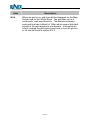
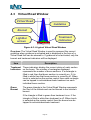
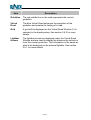
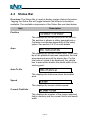
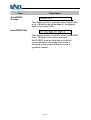
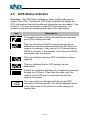
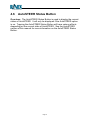
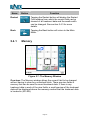
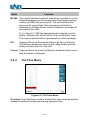
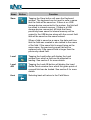
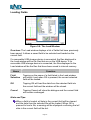
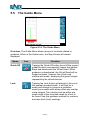
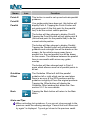
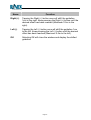
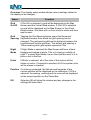
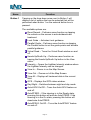
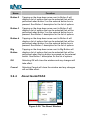
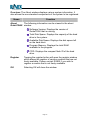
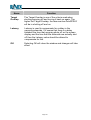
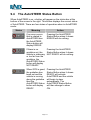
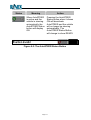
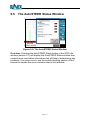
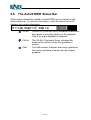
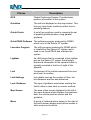
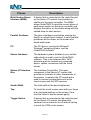
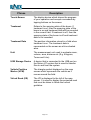
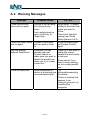
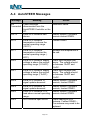
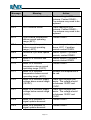
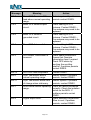
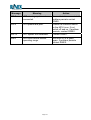
Overview: The Launcher buttons and their functions are listed below:
Item
Description
Start
GuideTRAX
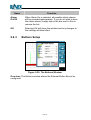
Tapping the Start GuideTRAX button will close the
Launcher program and open the GuideTRAX software.
Setup
Options
Tapping the Setup Options button will open the Launcher
Main Window. See Section 6.2.1 for more details.
Page 85