1
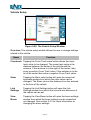
Guide Setup
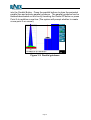
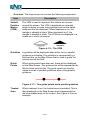
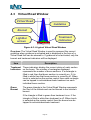
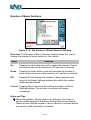
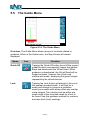
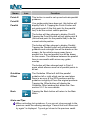
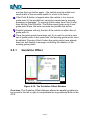
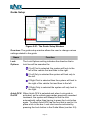
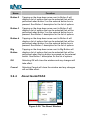
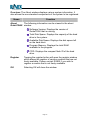
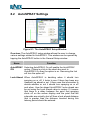
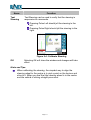
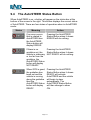
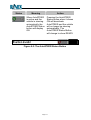
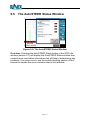
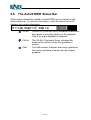
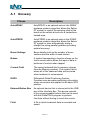
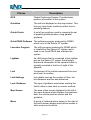
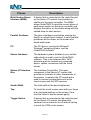
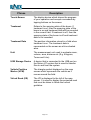
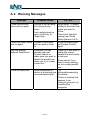
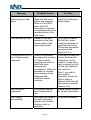
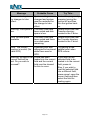
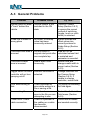
Figure 5-21: The Guide Setup Window
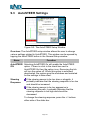
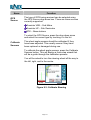
Overview: The guide setup window allows the user to change various
settings related to the guide.
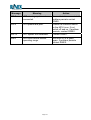
Name
Lock
Options
Function
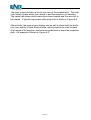
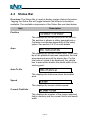
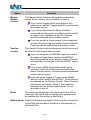
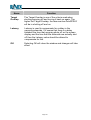
The Lock Options setting indicates the direction that a
lock line will be searched for.
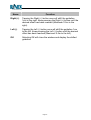
If Left First is selected, the system will look to the
left of the vehicle first and then to the right.
If Left Only is selected the system will look only to
the left.
If Right First is selected then the system will look to
the right of the vehicle first and then to the left.
If Right Only is selected the system will only look to
the right.
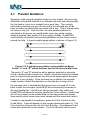
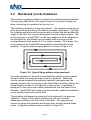
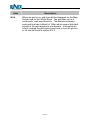
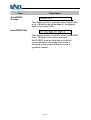
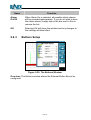
AutoLOCK When AutoLOCK is selected and when Lock guide is
On/Off
activated, as the vehicle approaches previously recorded
treatment, the system will attempt to find the lock
automatically rather than having to press the Lock button
again. To select AutoLOCK tap the box that is next to it to
place a tick in the box. Lock must now be activated by
pressing the Lock button in the Guide Menu (section 5.5).
Page 70