1
OD1300UME01-1.3
Step 6
Chapter 6 Virtual Private Networks
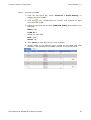
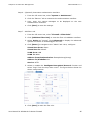
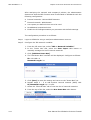
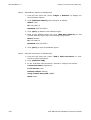
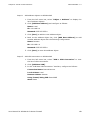
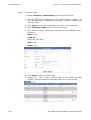
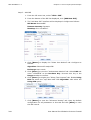
Add VPN connection on SifoWorksA
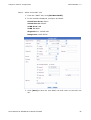
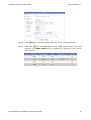
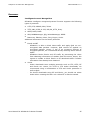
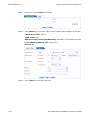
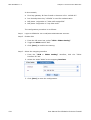
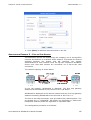
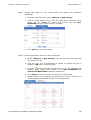
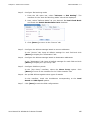
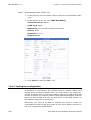
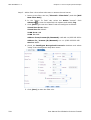
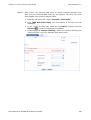
1. From the left menu bar, select “VPN > VPN Connection” to view
the list of VPN connections.
2. Click [Add New VPN].
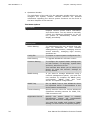
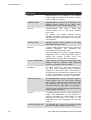
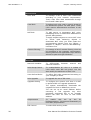
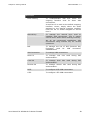
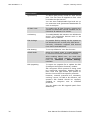
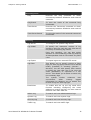
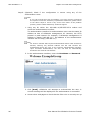
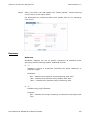
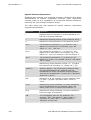
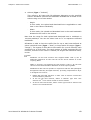
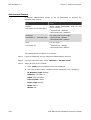
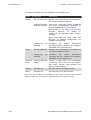
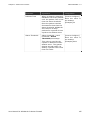
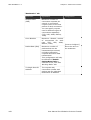
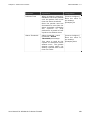
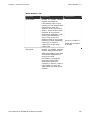
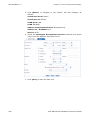
3. In the “Add New VPN Connection” interface, configure as follows:
Connection Name: HQConnect
Local Subnet: Local
Remote Subnet: Remote
Using Tunnel/Using IKE: HQIKE
State: Start
4. Click [Save] to add this VPN connection to the list.
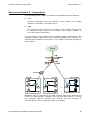
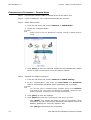
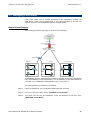
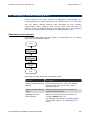
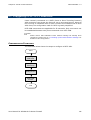
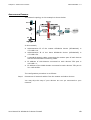
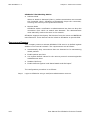
SifoWorksB – Branch Network
Step 7
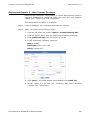
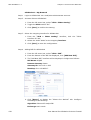
Login to SifoWorksB via a read/write administrator account.
Step 8
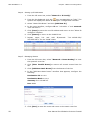
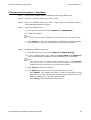
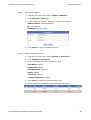
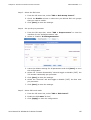
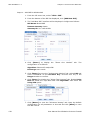
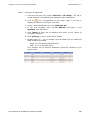
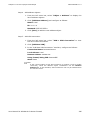
Activate VPN on SifoWorksB
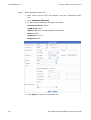
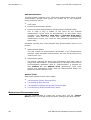
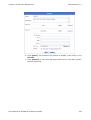
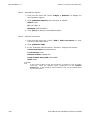
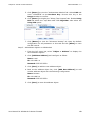
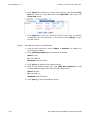
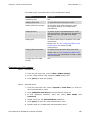
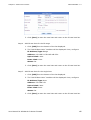
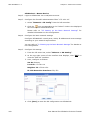
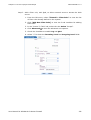
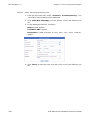
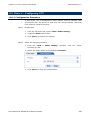
1. From the left menu bar, select “VPN > IPSec Setting”.
2. Toggle the VPN module “On”.
3. Click [Save] to confirm the setting.
130
User Manual for SifoWorks D-Series Firewall