1
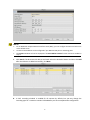
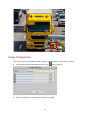
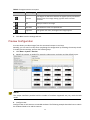
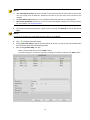
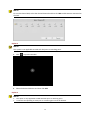
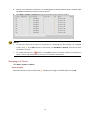
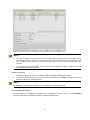
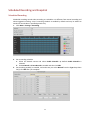
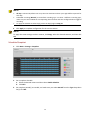
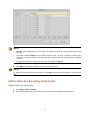
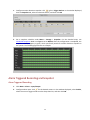
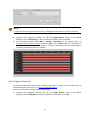
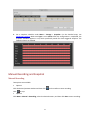
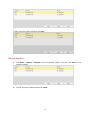
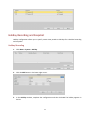
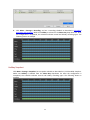
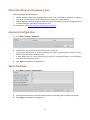
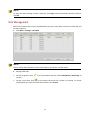
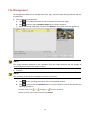
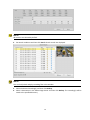
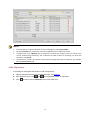
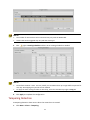
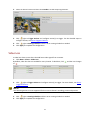
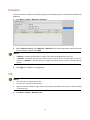
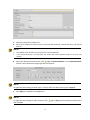
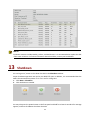
Other Recording and Snapshot Types Other recording and snapshot types: Motion detection AND alarm triggered (M and A for short): recording or snapshot is triggered only when a motion detection alarm AND an input alarm occur simultaneously. Motion detection OR alarm triggered (M or A for short): recording or snapshot is triggered when a motion detection alarm OR an input alarm occurs. For more details, see Motion Detection Recording and Snapshot. Advanced Configuration 1. Click Menu > Storage > Advanced. 2. Set the policy that the NVR will follow when space is used up. Overwrite: When space on all the hard disk(s) are used up, recording will continue, and the oldest recordings will be overwritten first. Stop: When space on all the hard disk(s) are used up, recording will stop, so that important recordings will not be overwritten. Click Apply to complete the configuration. 3. Space Allocation 1. Click Menu > Storage > Allocate Space. 2. 3. Select the desired camera, and then allocate space for recordings and snapshots respectively. Click Apply to complete the configuration. 45