1
2.
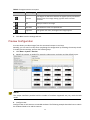
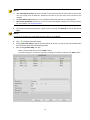
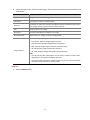
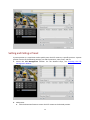
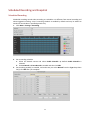
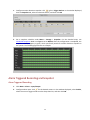
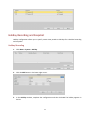
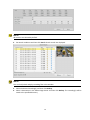
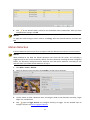
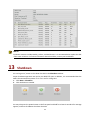
Click
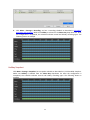
for the desired camera, and then set the default status and duration. After you have
completed the settings, click OK.
NOTE!
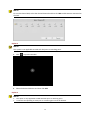
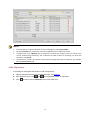
To apply the same settings to other cameras, click Copy, select the desired cameras, and then click
OK.
Motion Detection
A motion detection alarm occurs when an object inside the detection area moves to certain extent.
NOTE!
When enabled on the NVR, the default detection area covers the full screen, and recording is
triggered only for the current camera by default. If motion detection recording has been configured
before, the previously configured motion detection area and motion detection recording are still
effective when you enable motion detection in step 2.
1.
2.
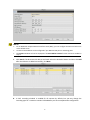
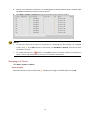
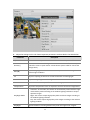
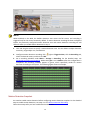
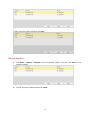
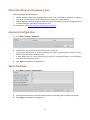
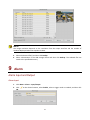
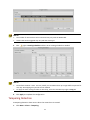
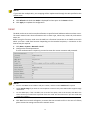
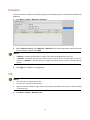
Click Menu > Alarm > Motion.
Select the desired camera and then select Enable to enable motion detection.
3.
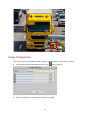
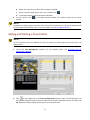
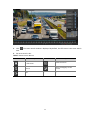
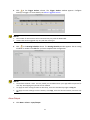
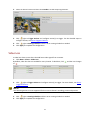
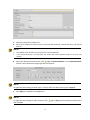
Use the mouse to draw a detection area, and drag the slider to set detection sensitivity, target
object size, and duration.
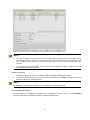
4.
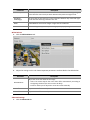
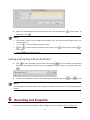
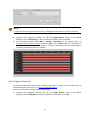
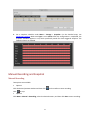
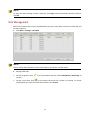
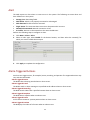
Click
right to Trigger Actions and configure action(s) to trigger. For the detailed steps to
configure actions, see Alarm-Triggered Actions.
63