1
78 Maintenance
--------------------------------------------------------------------------------------------------------------------------------------------------------------------6.5. OPC Cartridge Replacing
)
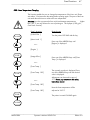
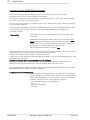
Replace the OPC cartridge when the message [Photo Drum !] is
displayed. The average amount of printed pages is 20000.
Keep the following in mind when handling the OPC cartridge:
- Do not expose the light-sensitive OPC drum to electric light or
sunlight any longer than 5 minutes.
- Do not touch the green surface of the OPC drum.
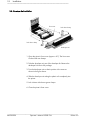
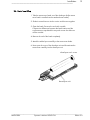
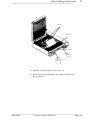
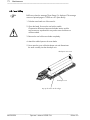
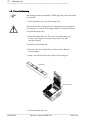
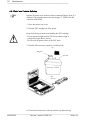
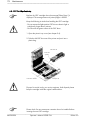
1. Open the printer’s top cover (see chapter 2.4).
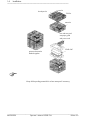
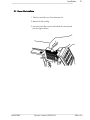
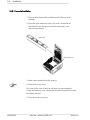
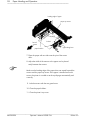
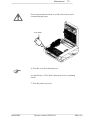
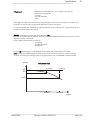
2. Take the old OPC drum out of the printer and put it into a
plastic bag.
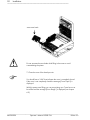
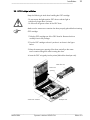
OPC drum unit
waste toner
opening
waste toner container
developer unit
Disposal is carried out by your service engineer. Until disposal please
keep the cartridge inside the original cartboard box.
)
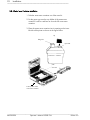
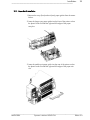
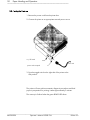
Please check if a new waste toner container has to be installed before
inserting the new OPC cartridge.
_______________________________________________________________________________________________
MICROPLEX
Operator’s Manual SOLID F24
Edition 5.0