1
15 Appendix
Installation of MS SQL Server
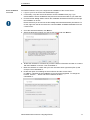
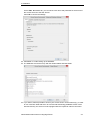
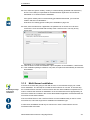
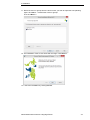
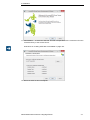
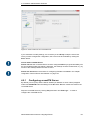
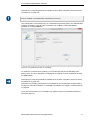
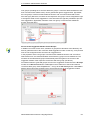
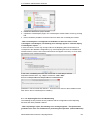
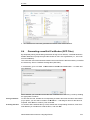
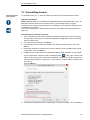
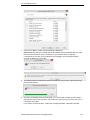
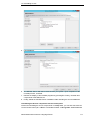
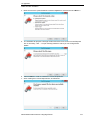
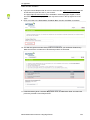
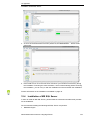
4. As soon as the deactivation has been performed, the D ea ct iv at e. .. button will be
grayed out.
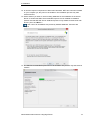
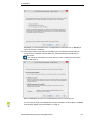
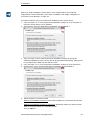
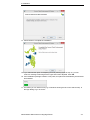
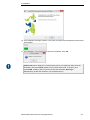
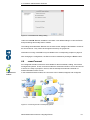
5. Now install Across v6 on the new server and enter your Customer Product Key during
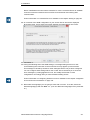
the installation. Following the online activation, which is automatically performed during
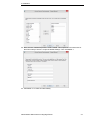
the installation, you can carry on with the installation as usual and finish the installation.
Further information on the installation is available on page 16.
15.4
Installation of MS SQL Server
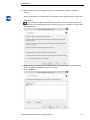
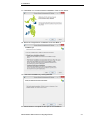
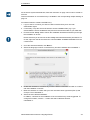
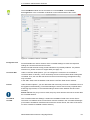
In order to install an MS SQL Server, please follow the instructions that Microsoft provides
for the installation.
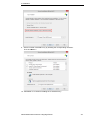
We recommend installing the following MS SQL Server components:
• Database Engine
Administrator Manual Across Language Server
132