1
WebCCTV User Manual
22
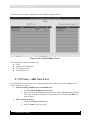
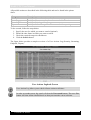
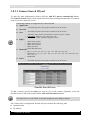
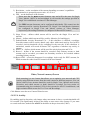
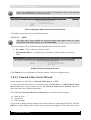
3. Enter a Password.
If you added an existing user, the assigned default password is videouser. We
strongly advise you to change the password.
4. Confirm the Password.
5. Select the interface language for the new user.
6. Define the ability for a user to change his password by (de)selecting the
User cannot change password check box.
7. Select the Password never expires check box if you don’t want the
password to expire. Otherwise a user will be forced to change the password
every 6 weeks.
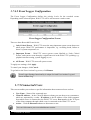
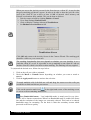
General Screen
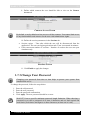
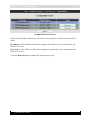
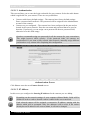
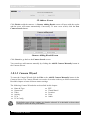
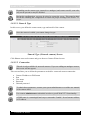
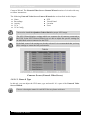
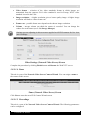
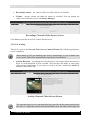
8. Select the privileges for the new user.
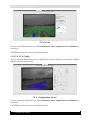
Functionality Access Screen
Version 6.0 Series