1
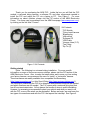
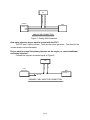
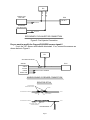
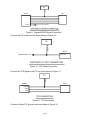
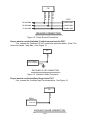
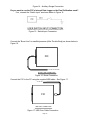
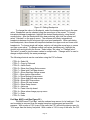
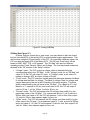
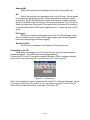
Figure 30. Connecting to the F/IC
To verify the connection status of the FIC, the footer in the lower left corner of the
software will display either “On-line” or “Off-line”.
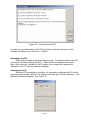
Uploading a Cal File:
This function is used to upload a calibration only. To upload a cal file to the FIC,
click on file and select “Upload Cal Only”. Select the file to upload and click open.
Note: When using the “Upload Cal Only” function, the software will overwrite the
calibration in the FIC with the selected calibration.
Calibrating the FIC:
When an FIC is installed on a vehicle, it is necessary to calibrate the FIC before
any tuning is performed. With the FIC already connected, go to Setup>Calibration. The
calibration window will appear. See Figure 31.
Page 23