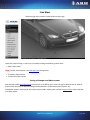
1
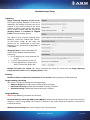
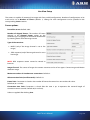
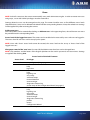
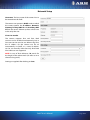
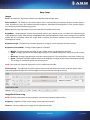
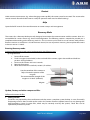
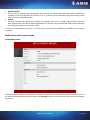
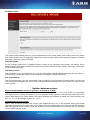
Live View Setup The camera is capable of streaming live image with four parallel configurations. Number of configurations to be used can be set at Number of servers (default: 1). Settings for each configuration can be specified in the corresponding Server sections. Server options: Port of the server: Default: 9901. Number of skipped frames: The number of frames reduced at the Skipped frames option on the Hardware layer setup page can be further divided here by omitting frames from the image stream. Type of the container: MJPEG (only if the image channel is set to live image) JPEG sequence (only if the image channel is set to live image) NOTE: JPEG sequence stream cannot be viewed in browsers. Image Channel: The source of images the camera transmits can be of two types: Camera image and Motion detection image. Maximum number of simultaneous connections: Default: 2. Idle connection limit (in milliseconds): Default: 10. Frame limit: Connection is closed as the number of frames the camera has sent reaches this value. Default: 0 (0 = no limit). Connection time limit: Connection is closed after this time is up. It represents the maximal length of connection time in seconds. Default: 0 (0 = no limit). Values are applied after clicking Save. ParkIT User’s Manual Page 9/41