1
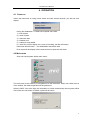
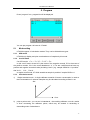
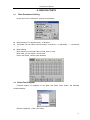
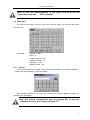
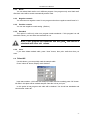
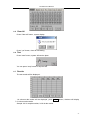
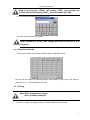
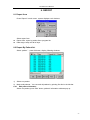
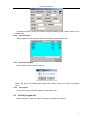
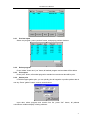
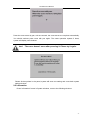
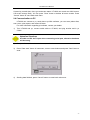
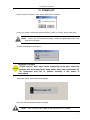
UT-6000 User’s Manual 8. REPORT 8.1 Report form Press “Report” in main menu, system displays such windows: Select report form: Report form: report by patient list or program list. Date range: today and all of days. 8.2 Report By Patient list Select “patient ”,press Ok button, display following windows: 1) 2) Select one patient Mark multi-patients:You can mark all patients by pointing first line in the title bar. 8.2.1 Edit patient infomation Select one patient, press “Edit” button, patient’s information windows pop up: 29