1
UT-6000 User’s Manual
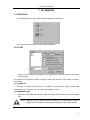
6.5 Clear All
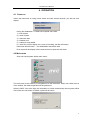
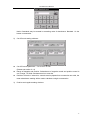
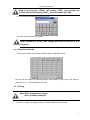
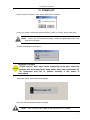
Press “Clear all” button, system display:
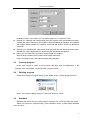
Press “yes” button, clear all well setting.
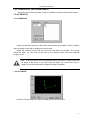
6.6 Test
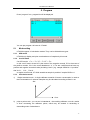
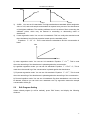
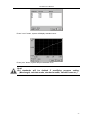
Press “start” button, system will test the plate:
You can press “stop” button to stop the test.
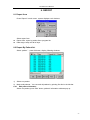
6.7 Results
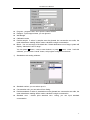
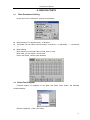
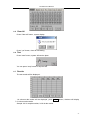
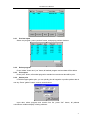
The test results will be displayed:
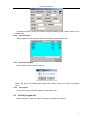
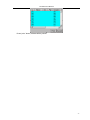
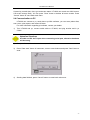
1-6 columns abs results will be displayed, press 7-12>> button, windows will display
7-12 columns abs results.
Sample: 001 is sample number, 0.040 is abs results.
24