1
EMBL CMCI ImageJ Basic Course
1.4 Segmentation
sis function. It counts the number of objects (particles) in the image, extract
morphological parameters, measures intensity. . . and so on. For details on
extractable parameters, refer to Appendix 1.6.4 of this textbook. Here, we
take an example to learn the basic use of this function.
Exercise 1.4.4-1
Single Particle Detection
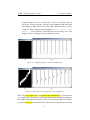
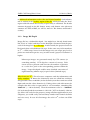
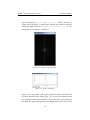
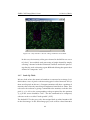
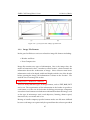
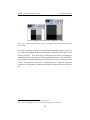
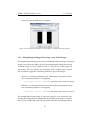
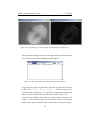
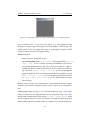
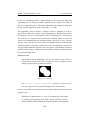
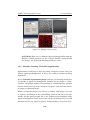
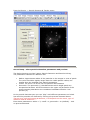
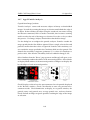
Load Circles.tif and segment two circles by watershed operation as
we did in the previous section. Then select the Wand Tool
from
the tool bar. Click one of the circles. Check that a ROI is automatically
created at the edge of the circle.
Automatic detection is done by pixel similarity principle. In the above case
using the wand tool, computer searches for pixels in the surrounding of the
clicked pixel for similarity in the pixel value. Similar pixels will be labeled.
Then in the next round, computer searches for each of the labeled pixel
for similar surrounding. This continues until searching hits the boundary.
Particle analysis uses the same strategy, but there will be specific labeling
for each particle.
Exercise 1.4.4-2
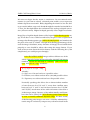
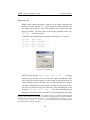
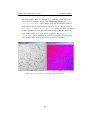
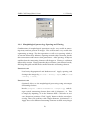
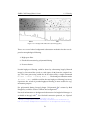
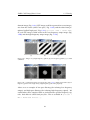
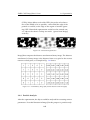
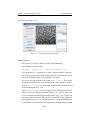
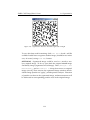
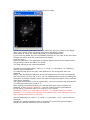
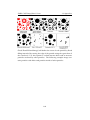
Multiple Particle Analysis: Open rice.tif. Before applying particle
analysis, target particles must be segmented by image threshold. Try
thresholding the image. . . What you would find out immediately is
that there is shading in the image that rice can not be uniformly selected by thresholded. For this reason, do the background subtraction
as we already did in 1.3.5. We then work with the subtracted image
in the following.
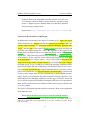
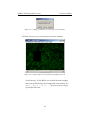
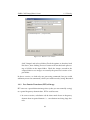
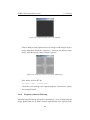
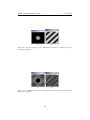
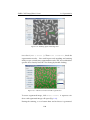
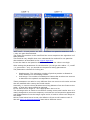
Set Threshold again, and then click “Apply” in the Threshold dialog
window. The image then should be black and white. This binarized
(segmented) image will be used as a reference for setting boundary
of each rice grain.
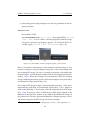
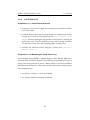
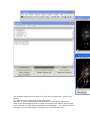
Open file rice.tif again. Since there is already a window with same
title, this second one should have a title “rice-1.tif”. By having this
original image, boundary that will be set using binarized image will
106