1
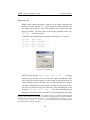
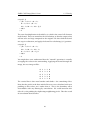
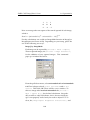
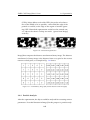
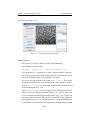
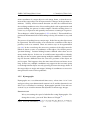
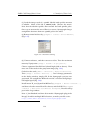
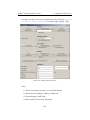
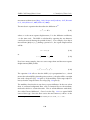
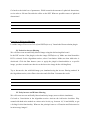
Since the length of the movie is 144 frames there are no trajectories longer then
144 frames.
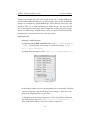
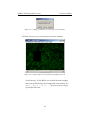
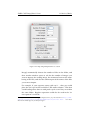
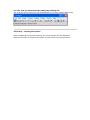
Filter again with 0 as input.
All trajectories are again displayed because by definition every trajectory length is
at least 1 (spans over at least 2 frames).
Try other numbers for the filter option and notice the differences.
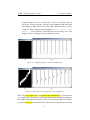
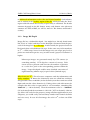
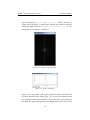
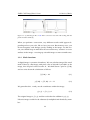
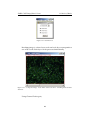
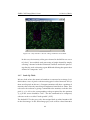
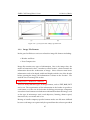
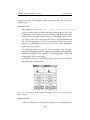
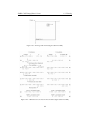
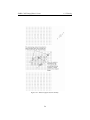
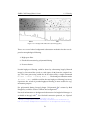
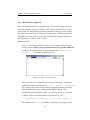
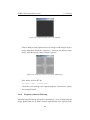
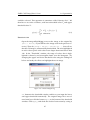
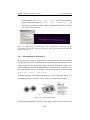
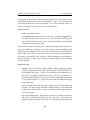
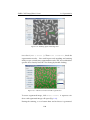
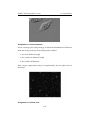
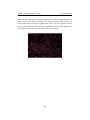
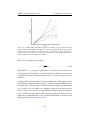
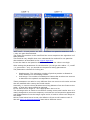
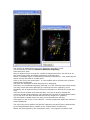
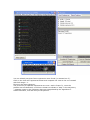
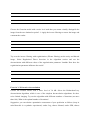
Set filter for 100, only 13 trajectories remained after filtering.
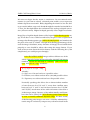
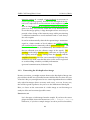
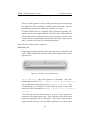
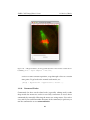
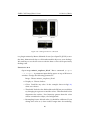
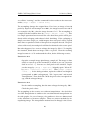
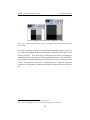
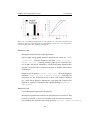
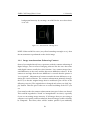
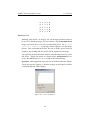
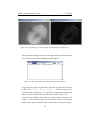
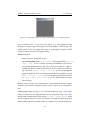
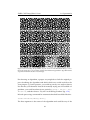
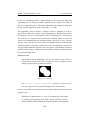
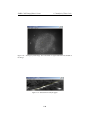
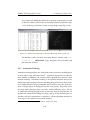
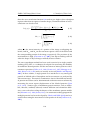
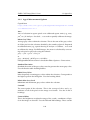
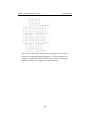
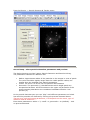
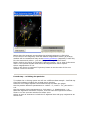
Select the yellow trajectory (the one shown here) by clicking it once with the
mouse left button.
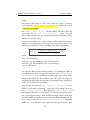
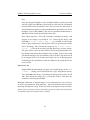
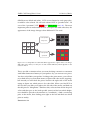
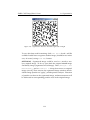
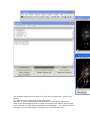
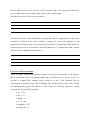
A rectangle surrounding the selected trajectory appears on the screen and on the
trajectory column of the results window the number 32 is now displayed - it
indicates the number of this trajectory (from the 110 found).
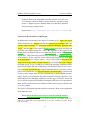
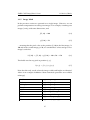
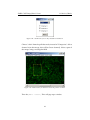
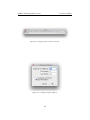
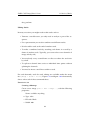
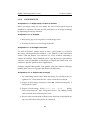
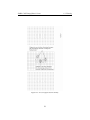
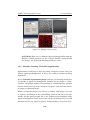
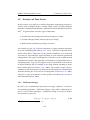
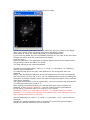
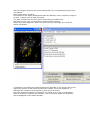
Now that a specific trajectory is selected you focus on it or get its information.
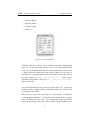
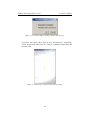
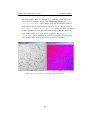
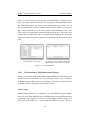
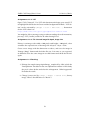
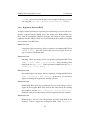
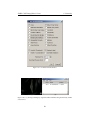
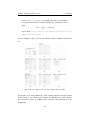
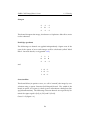
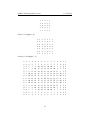
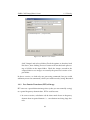
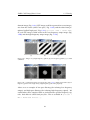
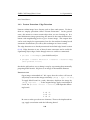
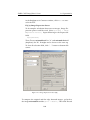
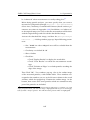
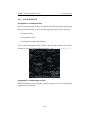
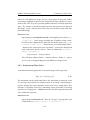
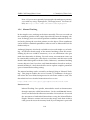
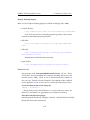
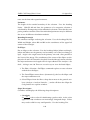
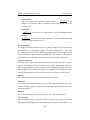
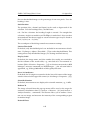
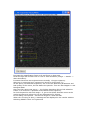
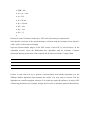
Click on Selected Trajectory Info button - the information about this trajectory
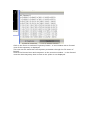
will be displayed in the results window