1
ARCHANGEL
SECTION 6
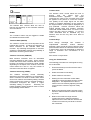
Regn
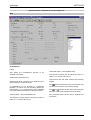
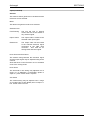
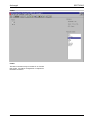
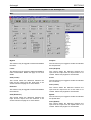
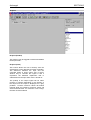
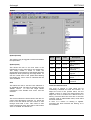
User Defined Region
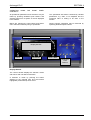
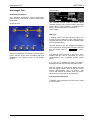
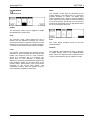
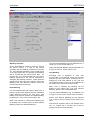
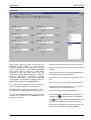
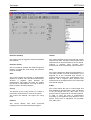
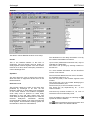
The Page allows a region to be defined for the
unsteadiness detection algorithm.
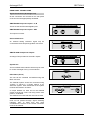
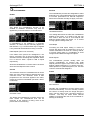
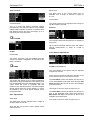
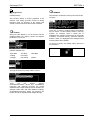
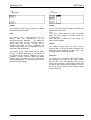
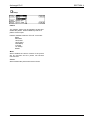
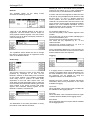
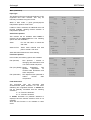
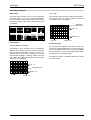
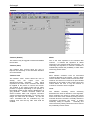
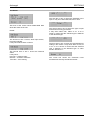
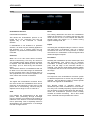
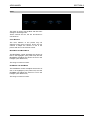
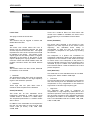
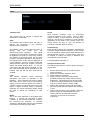
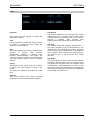
Select Area
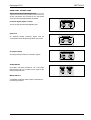
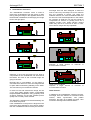
The area of the image to lock to may be
selected using this control. This is very useful in
situations where multiple moving objects are
present within the picture, allowing the user to
select which area to stabilize.
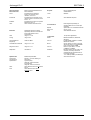
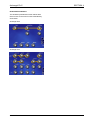
Whole Screen
Letterbox
Centre Only
Reject Centre
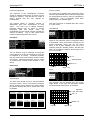
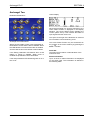
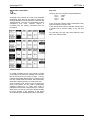
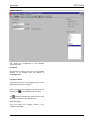
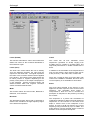
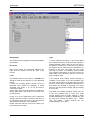
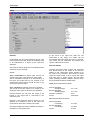
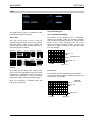
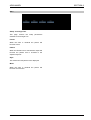
User Top/Bottom/Left/Right
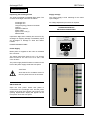
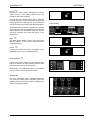
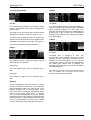
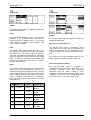
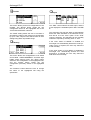
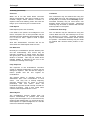
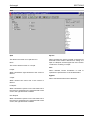
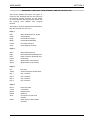
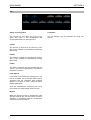
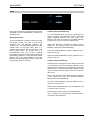
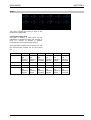
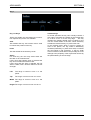
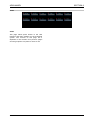
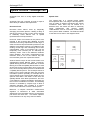
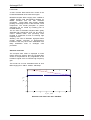
This allows a user selection area of rectangular
shape to be defined. There are 8 blocks vertically
and 10 blocks horizontally. Using ‘top’ you can select
which of the 8 rows vertically is the top of the
selected rectangle. Similarly, bottom, left and right
allow you to define the bottom, left and right of the
box. For example:
Person Only
Top = 3
Selected Area
Reject Person
Right Only
Left Only
Top Only
Bottom Only
Bottom = 8
Left = 3
Right = 10
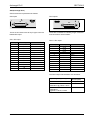
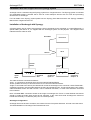
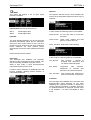
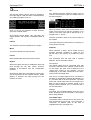
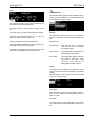
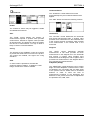
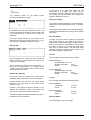
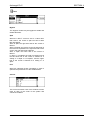
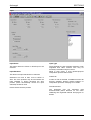
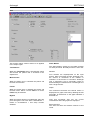
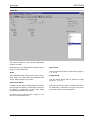
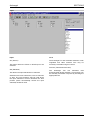
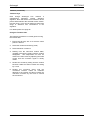
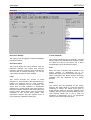
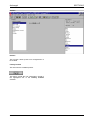
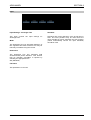
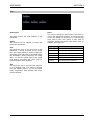
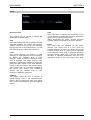
Overlay
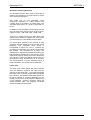
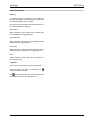
An overlay can be added to the output of the
unit to show the approximate area of the input
image that the unsteadiness process is using to
calculate the unsteadiness. This is particularly
useful when setting up the user defined region.
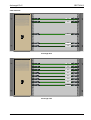
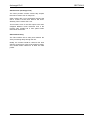
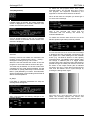
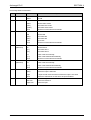
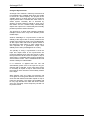
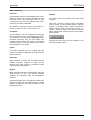
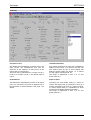
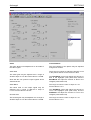
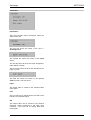
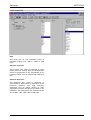
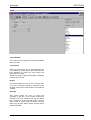
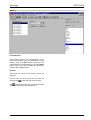
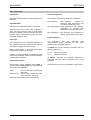
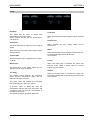
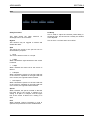
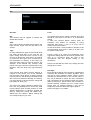
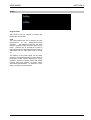
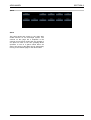
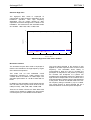
User Invert
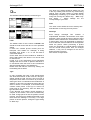
The selection may be inverted using this selection.
In this case only the blocks outside the defined area
will be active, for example:
Selected
with Invert
Note that Correction is disabled when the
overlay is on the screen.
Top = 3
Bottom = 8
Left = 3
ARCHOP
171104
www.snellwilcox.com
Right = 10
Version 1 Issue 4
6.5