1
iSCSI GbE to SAS/SATA II RAID Subsystem
6.
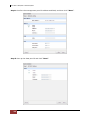
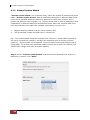
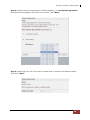
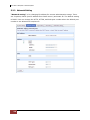
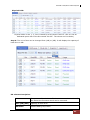
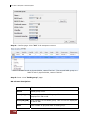
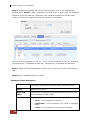
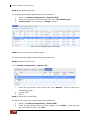
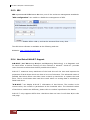
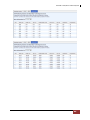
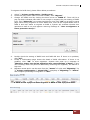
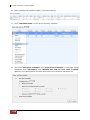
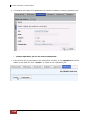
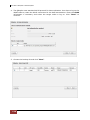
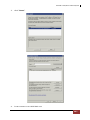
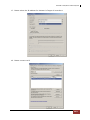
Select the target VD. Then click “Confirm”.
7.
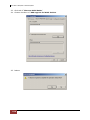
Now, the clone target “TargetVD_R6” has been set.
8.
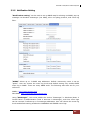
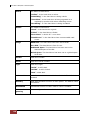
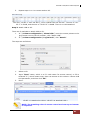
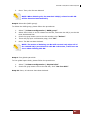
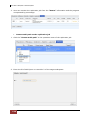
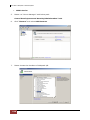
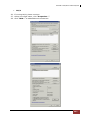
Click “Start clone”, the clone process will start.
9.
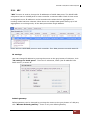
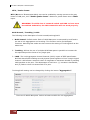
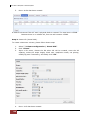
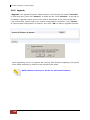
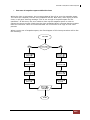
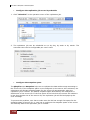
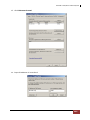
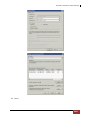
The default setting will create a snapshot space automatically which the capacity is
double size of the VD space. Before starting clone, system will initiate the snapshot
space.
User Manual
109