1
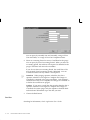
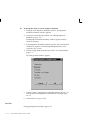
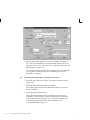
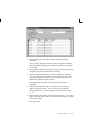
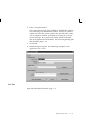
are found you can optionally invoke Oracle Quality by choosing
the Quality button from the button bar or the Enter Quality Results
option from the Special Menu. See: Entering Quality Data for
Move Transactions, Oracle Quality User’s Guide.
12. Choose the Transact button.
"
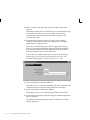
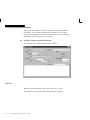
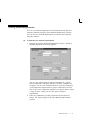
To scrap assemblies:
H
"
"
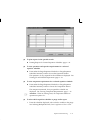
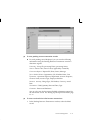
To add an operation and move assemblies into this operation:
1.
Enter a From operation Sequence number.
2.
Enter a From operation Step.
3.
Enter a To operation Sequence number for the new operation.
4.
Enter an operation Code or Department for the new operation
sequence.
5.
Enter a To operation Step for the new operation.
6.
Follow steps 6 through 11 above.
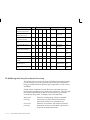
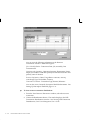
To backflush pull components:
H
"
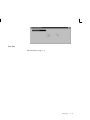
See: Backflushing Pull Components: page 8 – 42.
To charge manual resources:
H
"
See: Scrapping Assemblies: page 8 – 56.
Choose the Resources button. See: Charging Resources with Move
Transactions: page 9 – 25.
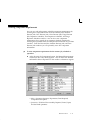
To view shop floor statuses:
H
Choose the Statuses button. See: Assigning and Viewing Shop
Floor Statuses: page 8 – 68.
See Also
Setting Up Shop Floor Control: page 8 – 4
Operation Completion Move Transactions: page 8 – 29
Performing Move Completion and Move Return Transactions: page
8 – 46
Shop Floor Control
8 – 39