1
4
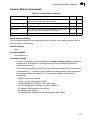
System Management Commands
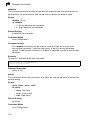
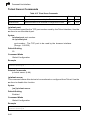
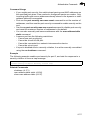
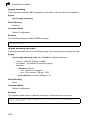
logging trap
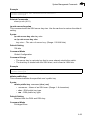
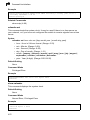
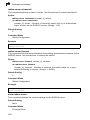
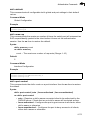
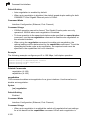
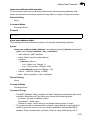
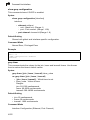
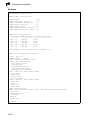
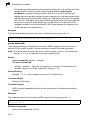
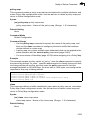
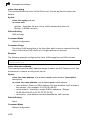
This command enables the logging of system messages to a remote server, or
limits the syslog messages saved to a remote server based on severity. Use this
command without a specified level to enable remote logging. Use the no form to
disable remote logging.
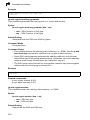
Syntax
logging trap [level]
no logging trap
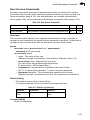
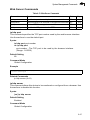
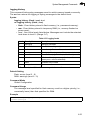
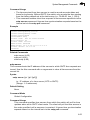
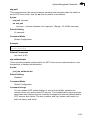
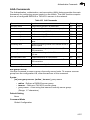
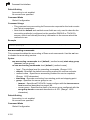
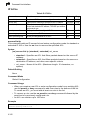
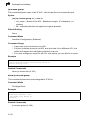
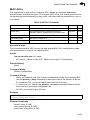
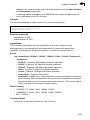
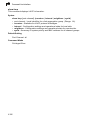
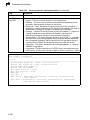
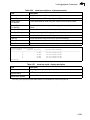
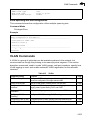
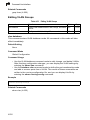
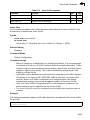
level - One of the level arguments listed below. Messages sent include the
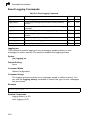
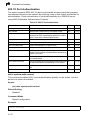
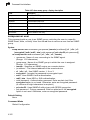
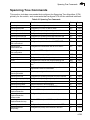
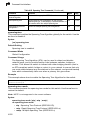
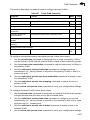
selected level up through level 0. (Refer to the table on page 4-55.)
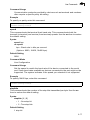
Default Setting
• Enabled
• Level 6 - 0
Command Mode
Global Configuration
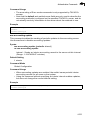
Command Usage
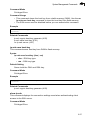
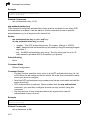
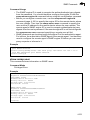
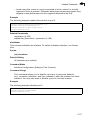
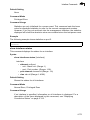
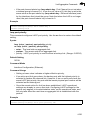
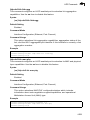
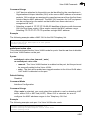
• Using this command with a specified level enables remote logging and sets
the minimum severity level to be saved.
• Using this command without a specified level also enables remote logging, but
restores the minimum severity level to the default.
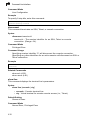
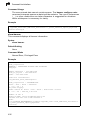
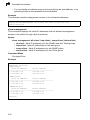
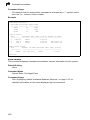
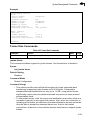
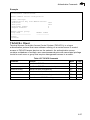
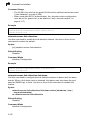
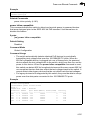
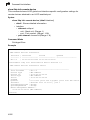
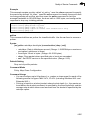
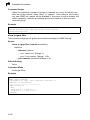
Example
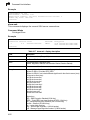
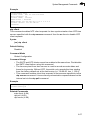
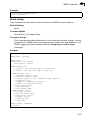
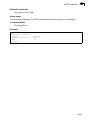
Console(config)#logging trap 4
Console(config)#
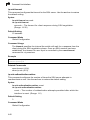
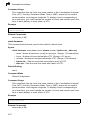
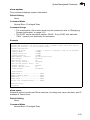
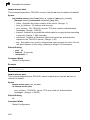
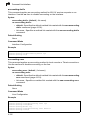
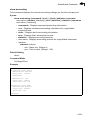
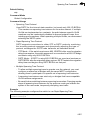
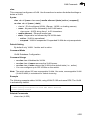
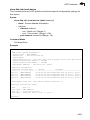
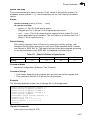
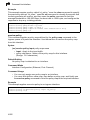
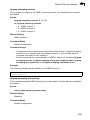
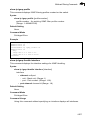
clear logging
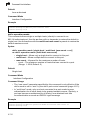
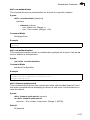
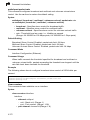
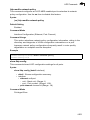
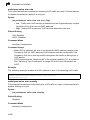
This command clears messages from the log buffer.
Syntax
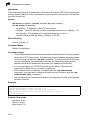
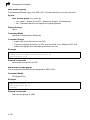
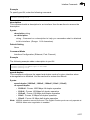
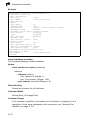
clear logging [flash | ram]
• flash - Event history stored in flash memory (i.e., permanent memory).
• ram - Event history stored in temporary RAM (i.e., memory flushed on
power reset).
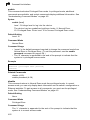
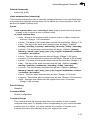
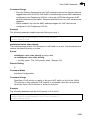
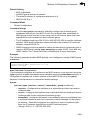
Default Setting
Flash and RAM
Command Mode
Privileged Exec
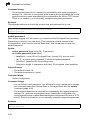
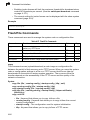
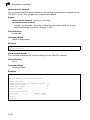
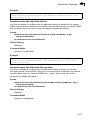
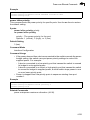
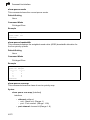
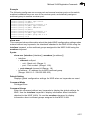
Example
Console#clear logging
Console#
4-57