1
Simple Network Management Protocol
3
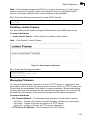
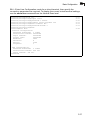
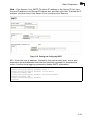
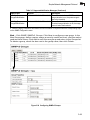
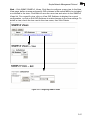
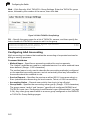
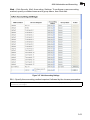
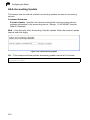
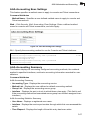
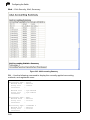
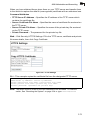
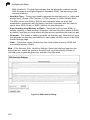
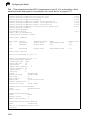
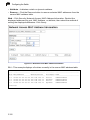
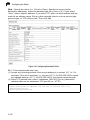
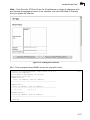
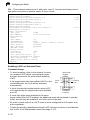
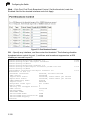
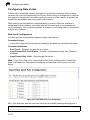
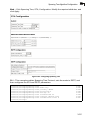
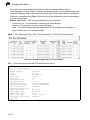
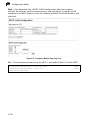
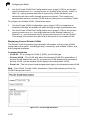
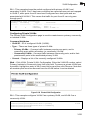
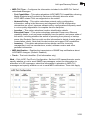
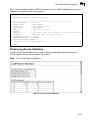
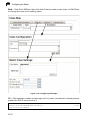
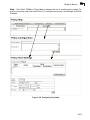
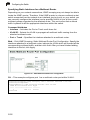
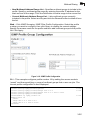
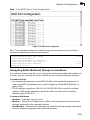
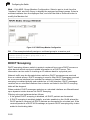
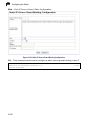
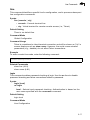
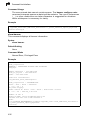
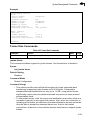
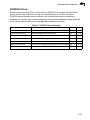
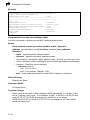
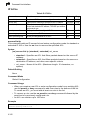
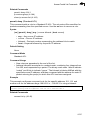
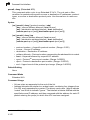
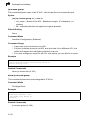
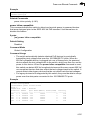
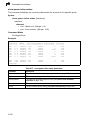
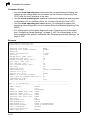
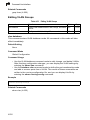
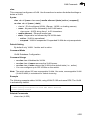
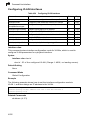
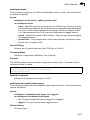
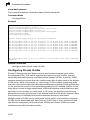
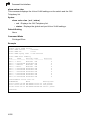
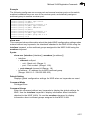
Web – Click SNMP, SNMPv3, Views. Click New to configure a new view. In the New
View page, define a name and specify OID subtrees in the switch MIB to be included
or excluded in the view. Click Back to save the new view and return to the SNMPv3
Views list. For a specific view, click on View OID Subtrees to display the current
configuration, or click on Edit OID Subtrees to make changes to the view settings. To
delete a view, check the box next to the view name, then click Delete.
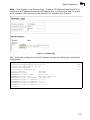
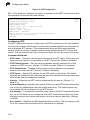
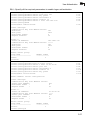
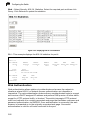
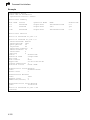
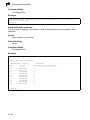
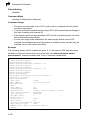
Figure 3-31 Configuring SNMPv3 Views
3-51