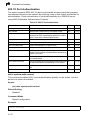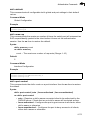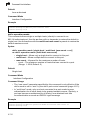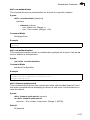
1
4
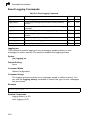
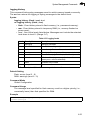
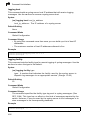
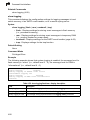
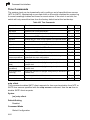
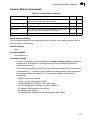
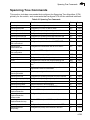
Spanning Tree Commands
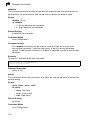
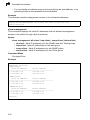
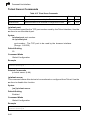
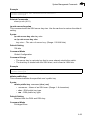
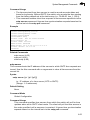
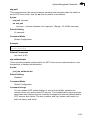
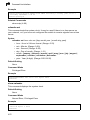
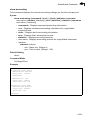
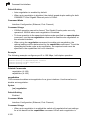
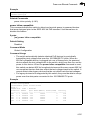
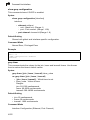
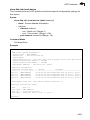
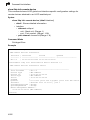
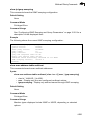
spanning-tree protocol-migration
This command re-checks the appropriate BPDU format to send on the selected
interface.
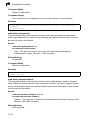
Syntax
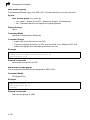
spanning-tree protocol-migration interface
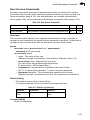
interface
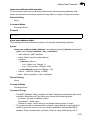
• ethernet unit/port
- unit - Stack unit. (Range: 1)
- port - Port number. (Range: 1-28)
• port-channel channel-id (Range: 1-8)
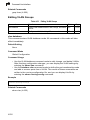
Command Mode
Privileged Exec
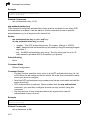
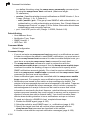
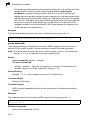
Command Usage
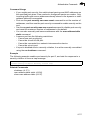
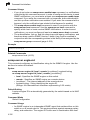
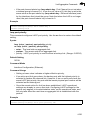
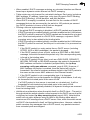
If at any time the switch detects STP BPDUs, including Configuration or
Topology Change Notification BPDUs, it will automatically set the selected
interface to forced STP-compatible mode. However, you can also use the
spanning-tree protocol-migration command at any time to manually
re-check the appropriate BPDU format to send on the selected interfaces (i.e.,
RSTP or STP-compatible).
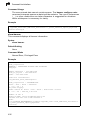
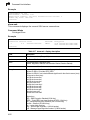
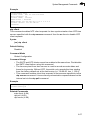
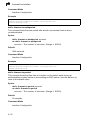
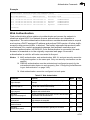
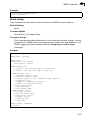
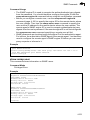
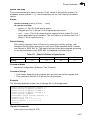
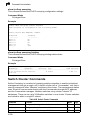
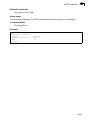
Example
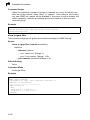
Console#spanning-tree protocol-migration eth 1/5
Console#
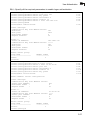
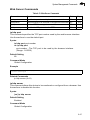
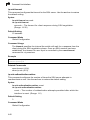
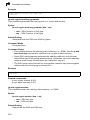
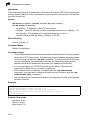
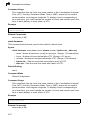
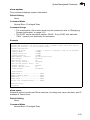
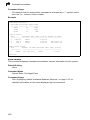
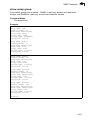
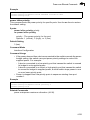
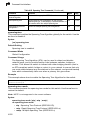
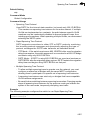
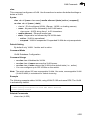
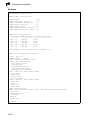
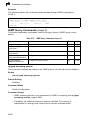
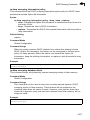
show spanning-tree
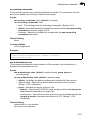
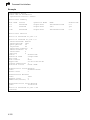
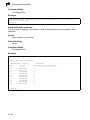
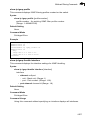
This command shows the configuration for the common spanning tree (CST) or for
an instance within the multiple spanning tree (MST).
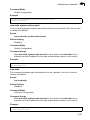
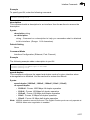
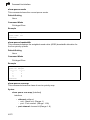
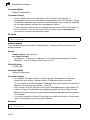
Syntax
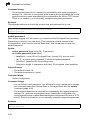
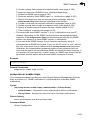
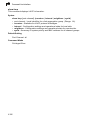
show spanning-tree [interface | mst instance_id]
• interface
• ethernet unit/port
- unit - Stack unit. (Range: 1)
- port - Port number. (Range: 1-28)
• port-channel channel-id (Range: 1-8)
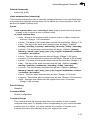
• instance_id - Instance identifier of the multiple spanning tree.
(Range: 0-4094, no leading zeroes)
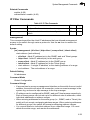
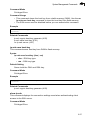
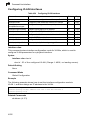
Default Setting
None
Command Mode
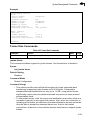
Privileged Exec
4-217