1
Page 21 –Aeries.net™ Student Information System
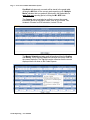
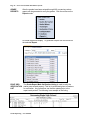
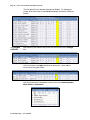
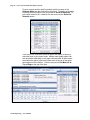
When complete click the mouse on the Save icon.
CANCEL
CHANGES
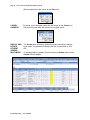
To cancel out the changes made click the mouse on the Cancel icon.
The student’s grade mark will return to the original record.
ADD A
GRADE
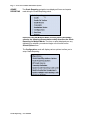
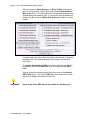
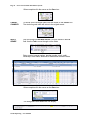
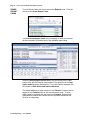
Click the mouse on Add New Record. Click the mouse in the Per
field. Use the Tab to move through out the fields.
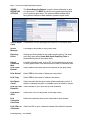
Enter a period, course number, teacher number, mark, credit,
citizenship, work habits, absences or tardies and comment codes.
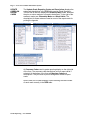
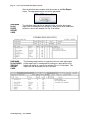
When complete click the mouse on the Save icon.
The new grade record added will now display.
Grade Reporting – User Manual