1
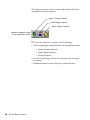
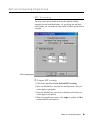
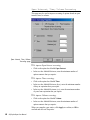
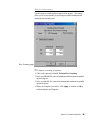
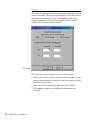
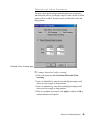
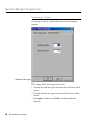
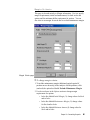
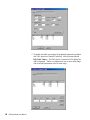
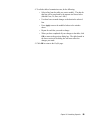
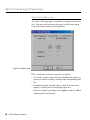
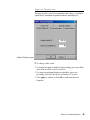
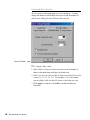
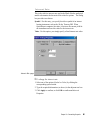
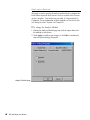
The Properties function consists of three windows which divide the information into logical categories. Option Screening Properties Broker/Margin Properties Option Strategy Properties Properties command buttons on the OptionExpert toolbar å To open the Properties windows, do the following: 1. Click the appropriate command button on the OptionExpert toolbar: Option Screening Properties Broker/Margin Properties Strategy Properties 2. To select a specific page, click the corresponding tab at the top of the window. 3. Information entered on each of the pages is described below. 80 AIQ OptionExpert User Manual