1
System maintenance and error reporting
How to reset the
counters
15
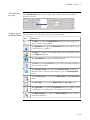
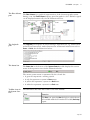
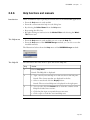
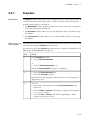
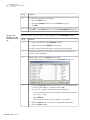
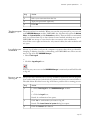
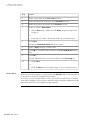
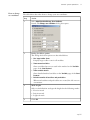
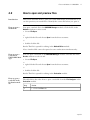
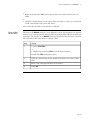
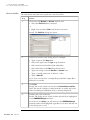
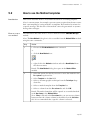
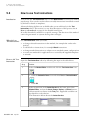
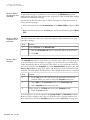
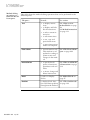
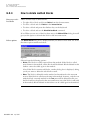
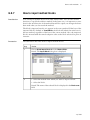
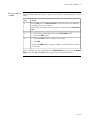
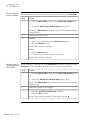
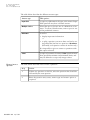
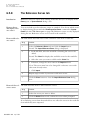
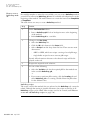
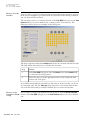
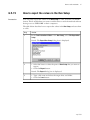
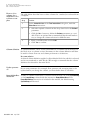
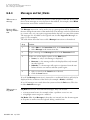
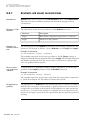
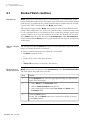
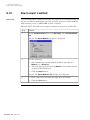
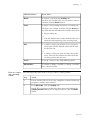
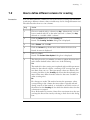
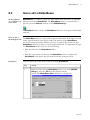
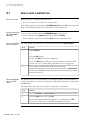
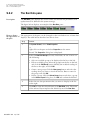
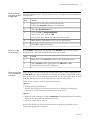
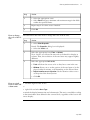
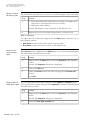
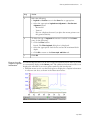
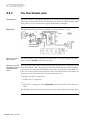
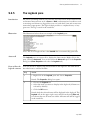
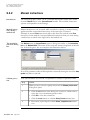
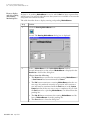
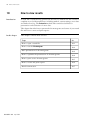
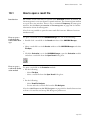
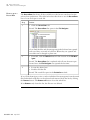
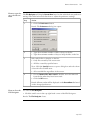
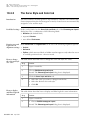
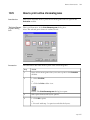
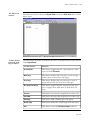
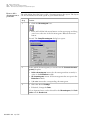
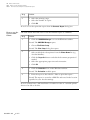
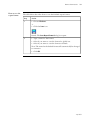
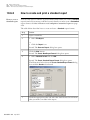
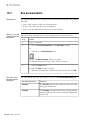
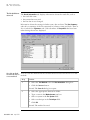
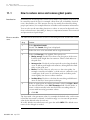
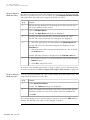
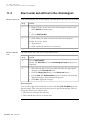
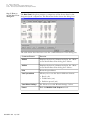
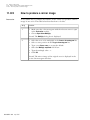
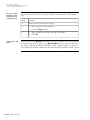
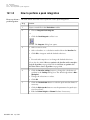
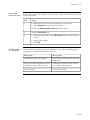
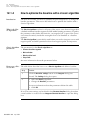
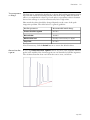
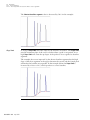
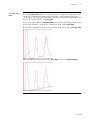
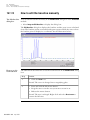
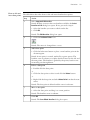
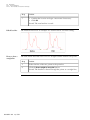
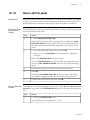
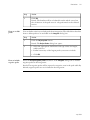
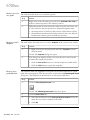
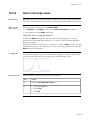
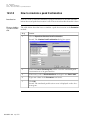
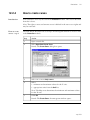
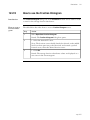
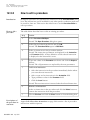
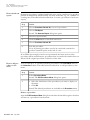
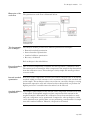
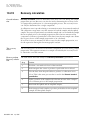
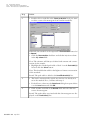
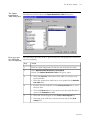
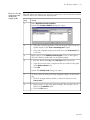
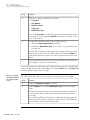
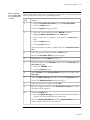
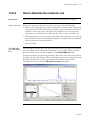
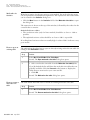
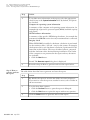
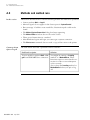
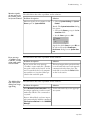
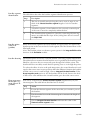
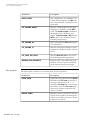
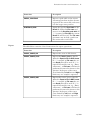
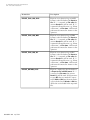
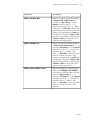
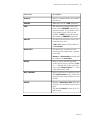
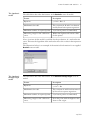
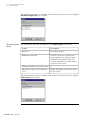
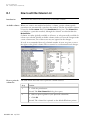
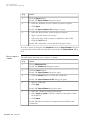
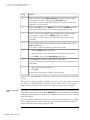
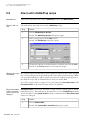
The table below describes how to reset the maintenance warning counters.
Step
Action
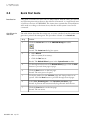
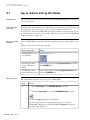
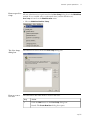
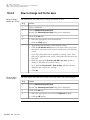
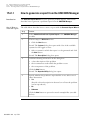
1
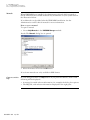
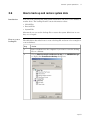
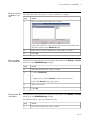
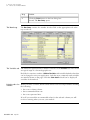
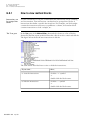
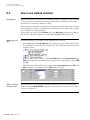
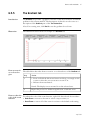
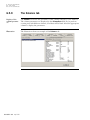
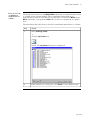
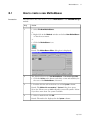
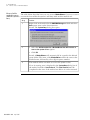
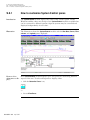
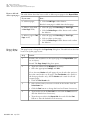
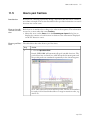
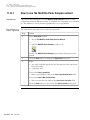
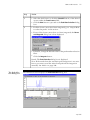
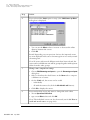
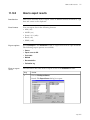
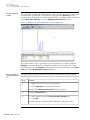
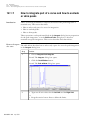
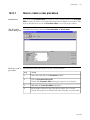
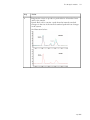
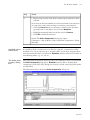
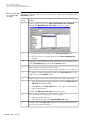
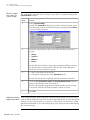
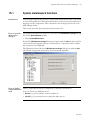
• Select System:Maintenance in the System Control module to open
the Maintenance manager dialog box.
• Click the Warning tab.
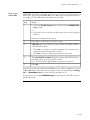
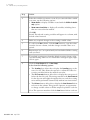
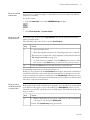
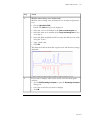
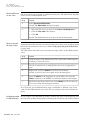
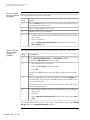
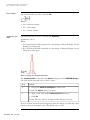
2
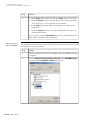
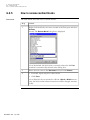
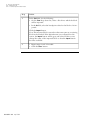
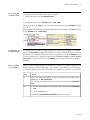
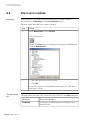
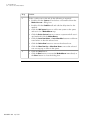
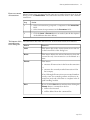
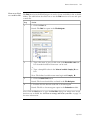
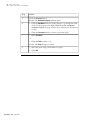
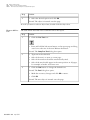
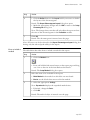
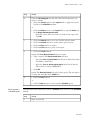
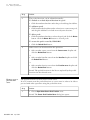
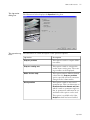
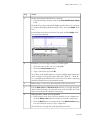
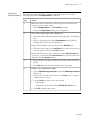
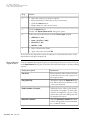
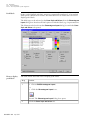
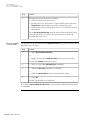
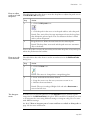
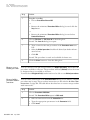
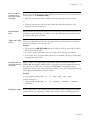
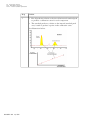
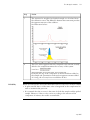
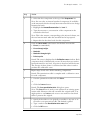
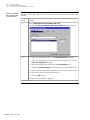
• Select the warning you want to reset on the component list.
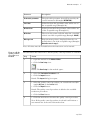
• Choose Warning:Edit.
or
• Right-click and select Edit on the shortcut menu.
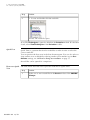
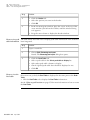
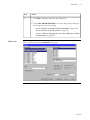
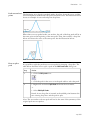
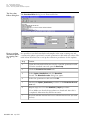
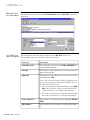
Result: The Maintenance manager dialog box changes into edit mode
and the text boxes are activated.
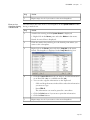
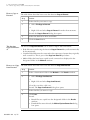
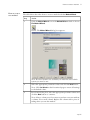
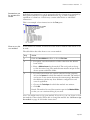
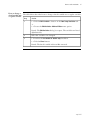
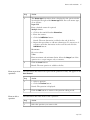
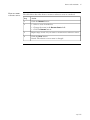
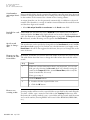
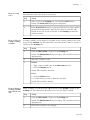
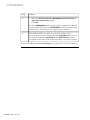
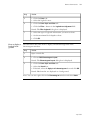
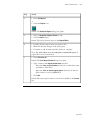
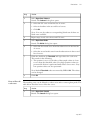
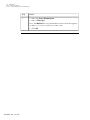
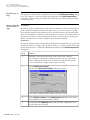
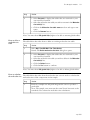
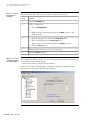
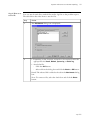
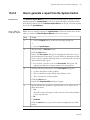
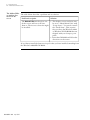
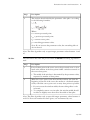
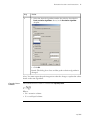
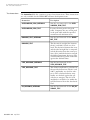
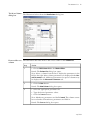
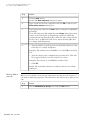
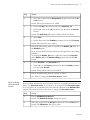
3
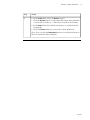
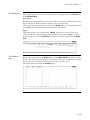
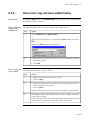
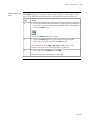
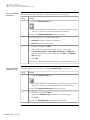
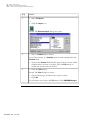
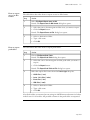
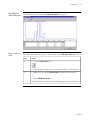
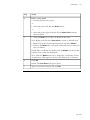
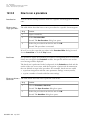
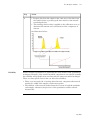
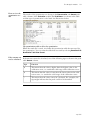
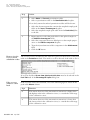
• Type new text if necessary.
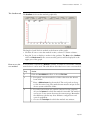
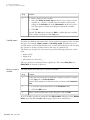
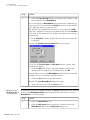
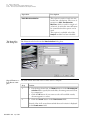
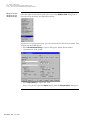
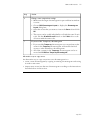
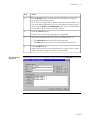
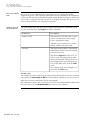
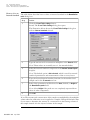
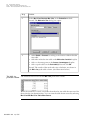
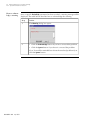
• Click the Reset button.
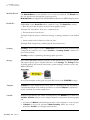
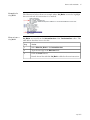
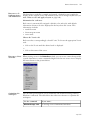
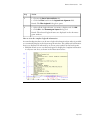
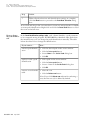
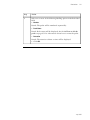
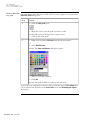
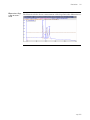
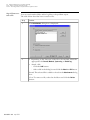
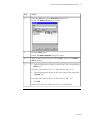
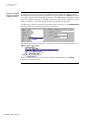
Result: The Reset parameters dialog box opens.
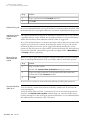
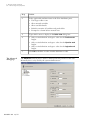
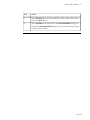
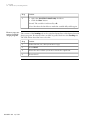
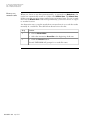
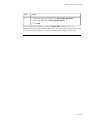
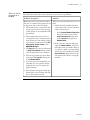
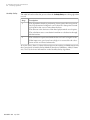
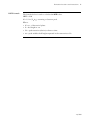
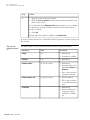
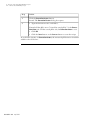
4
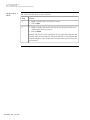
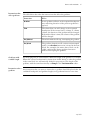
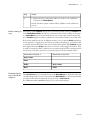
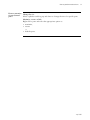
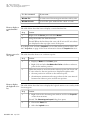
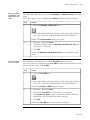
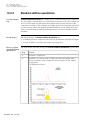
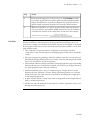
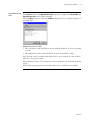
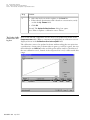
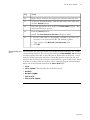
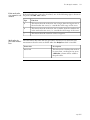
• Click one or both of the Reset buttons to reset the counters.
• Click OK.
• p 467