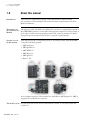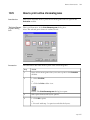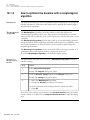
1
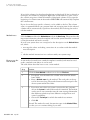
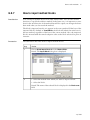
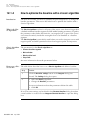
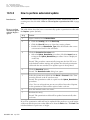
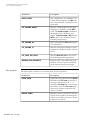
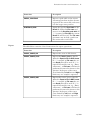
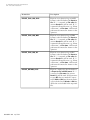
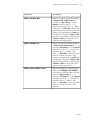
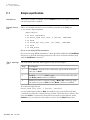
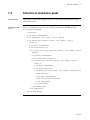
MethodQueues
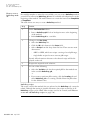
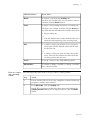
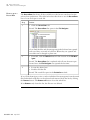
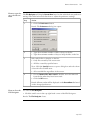
Step
Action
2
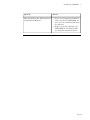
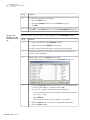
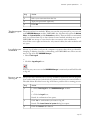
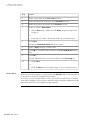
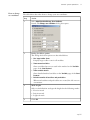
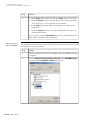
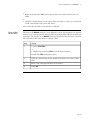
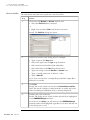
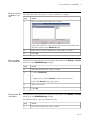
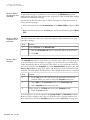
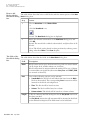
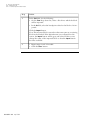
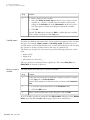
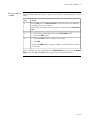
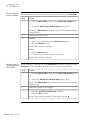
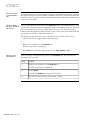
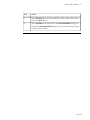
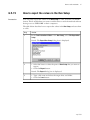
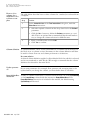
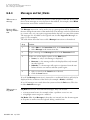
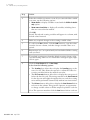
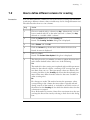
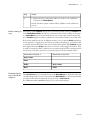
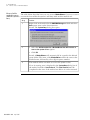
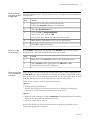
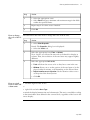
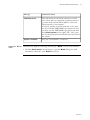
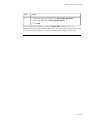
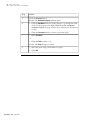
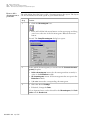
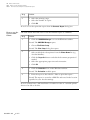
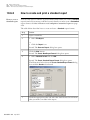
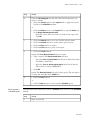
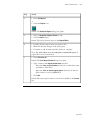
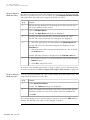
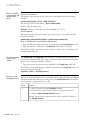
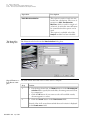
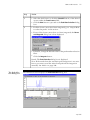
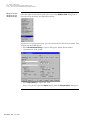
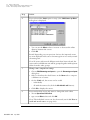
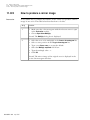
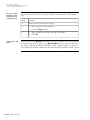
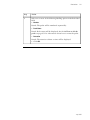
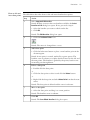
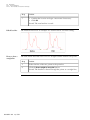
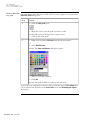
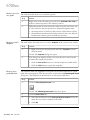
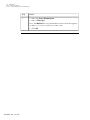
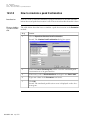
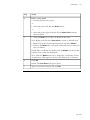
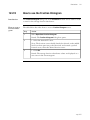
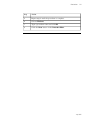
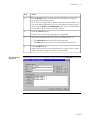
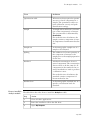
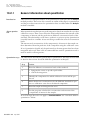
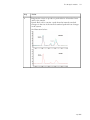
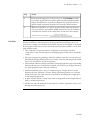
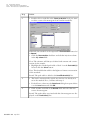
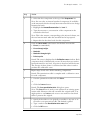
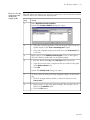
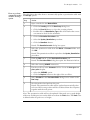
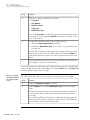
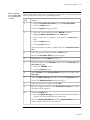
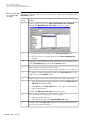
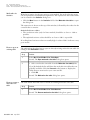
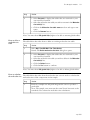
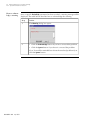
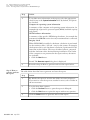
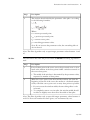
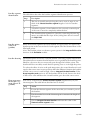
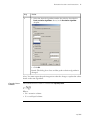
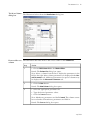
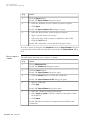
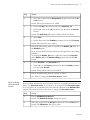
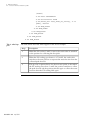
• Repeat this for each system when you want to use a different
system in the MethodQueue.
8
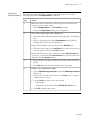
Result: Another system column will be added for each additional
system.
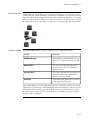
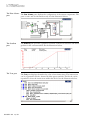
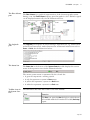
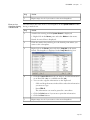
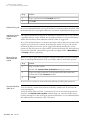
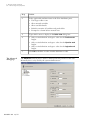
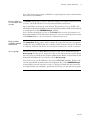
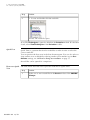
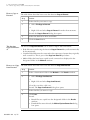
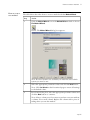
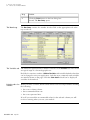
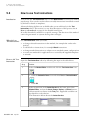
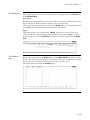
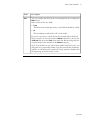
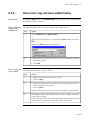
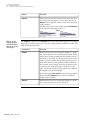
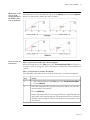
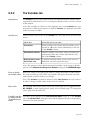
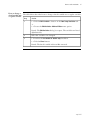
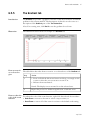
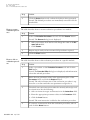
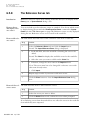
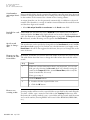
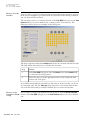
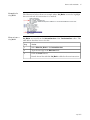
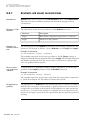
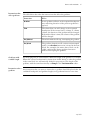
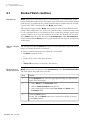
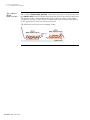
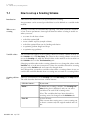
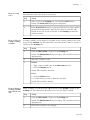
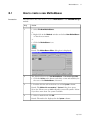
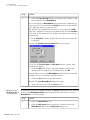
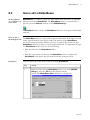
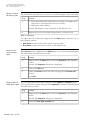
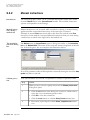
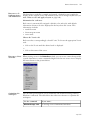
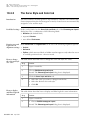
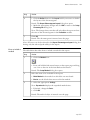
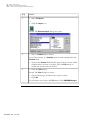
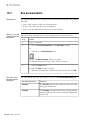
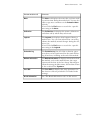
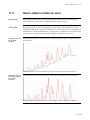
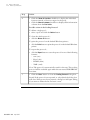
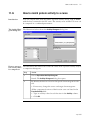
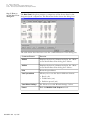
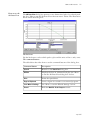
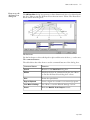
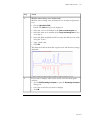
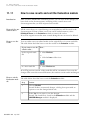
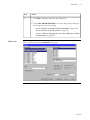
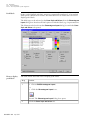
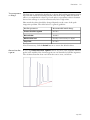
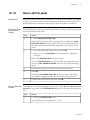
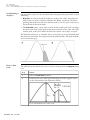
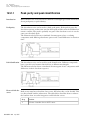
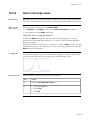
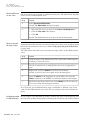
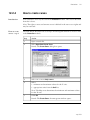
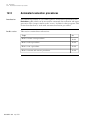
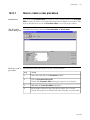
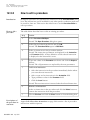
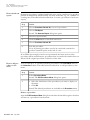
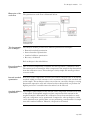
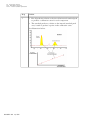
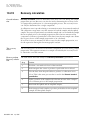
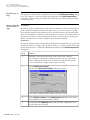
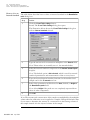
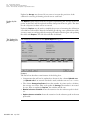
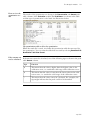
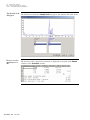
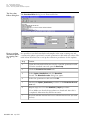
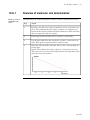
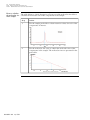
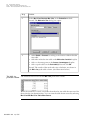
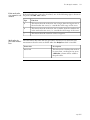
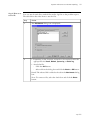
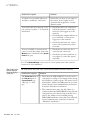
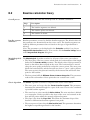
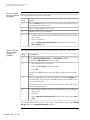
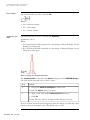
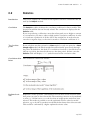
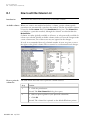
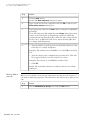
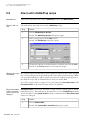
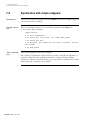
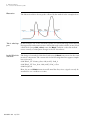
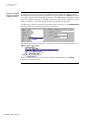
Relative timing of The setting of the Condition dialog box (reached by double-clicking a Condition cell
steps
in the MethodQueue Editor dialog box), determines the relative timing of the steps
of a MethodQueue. If successive methods are run on the same system, the timing
set in Condition applies from the completion of one method to the start of the next.
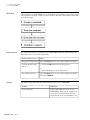
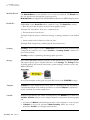
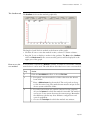
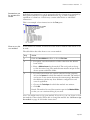
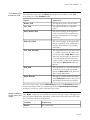
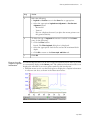
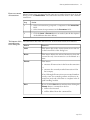
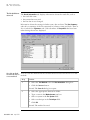
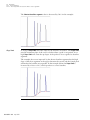
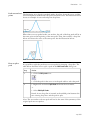
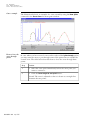
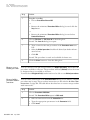
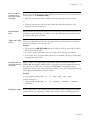
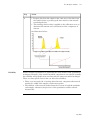
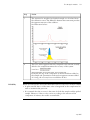
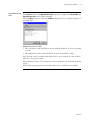
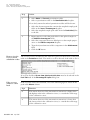
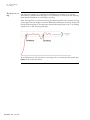
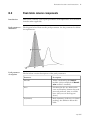
If successive methods are run on different systems, you can use the Ready instruction
in one method to trigger the start of the next method. In this way, you will be able
to start the next method before the current method has ended. The Condition setting
then applies from the Ready instruction to the start of the triggered method. This
is useful in situations where a method on one system prepares the starting material
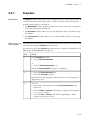
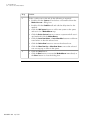
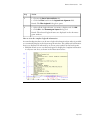
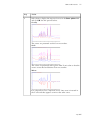
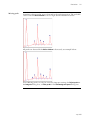
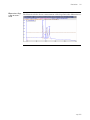
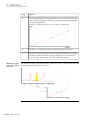
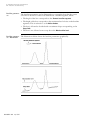
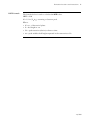
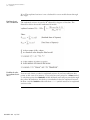
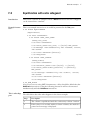
for the next, and then continues to wash the system. See the example below:
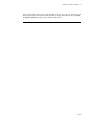
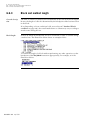
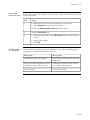
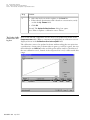
Instruction to System 1
Instruction to System 2
Apply sample
Eluate
READY
Apply sample
Wash
Eluate
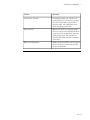
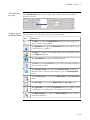
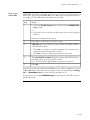
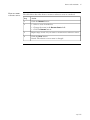
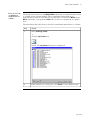
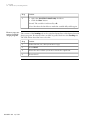
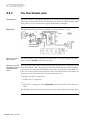
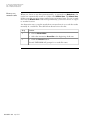
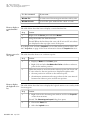
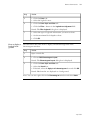
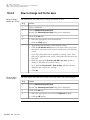
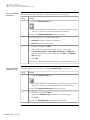
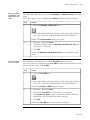
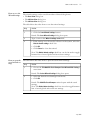
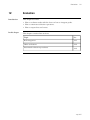
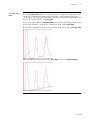
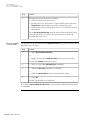
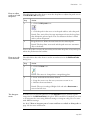
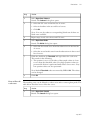
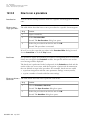
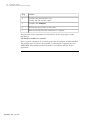
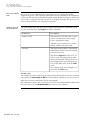
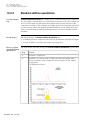
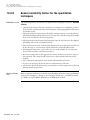
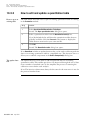
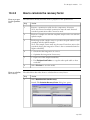
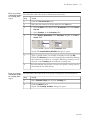
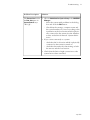
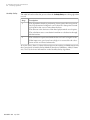
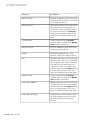
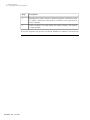
Unattended opera- The Start Protocol for each method step in the MethodQueue is displayed when the
tion of the Meth- corresponding method is run. If you want the MethodQueue to operate unattended
odQueue
you must ensure that the methods do not include a Start Protocol.
See 5 How to create a method on page 79 for more information.
• p 185