1
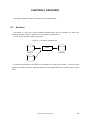
CHAPTER 12 CROSS REFERENCE TOOL
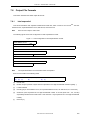
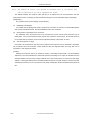
-ni
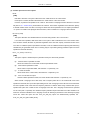
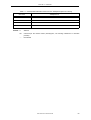
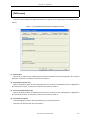
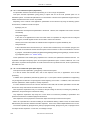
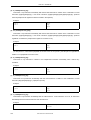
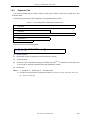
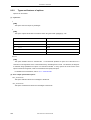
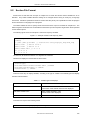
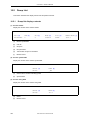
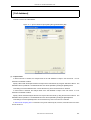
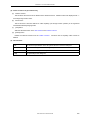
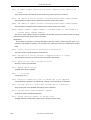
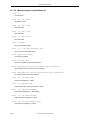
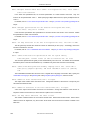
This option causes include file information not to be displayed.
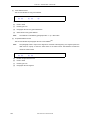
-nifile
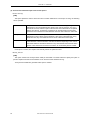
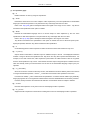
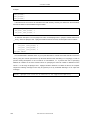
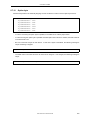
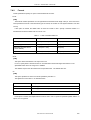
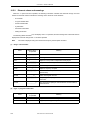
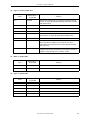
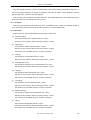
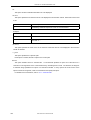
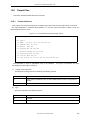
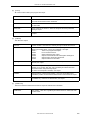
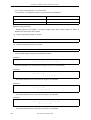
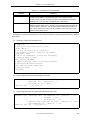
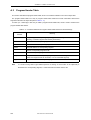
This option specifies a file name that is not to be displayed in the execution results. Wild cards can be used
in file.
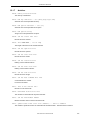
?
One arbitrary character
*
The arbitrary character sequences of zero or more characters
Example
*r*
File name that includes 'r'
*e??*
File name that includes 'e' and two or more subsequent characters
w?*.h
File name composed of two or more characters, which starts with 'w' and
ends with '.h'
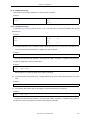
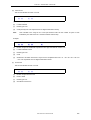
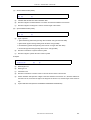
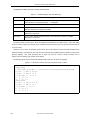
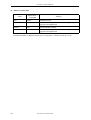
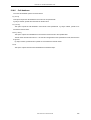
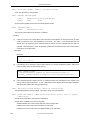
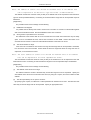
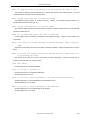
-ni=file
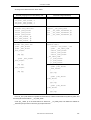
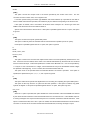
This option specifies the name of the file in which file names that are not to be displayed in the execution
results are defined.
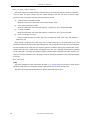
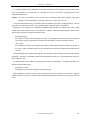
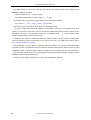
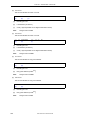
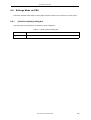
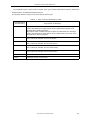
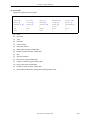
-o path
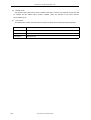
This option specifies the output file path.
If this option is omitted, the file is output to the current path.
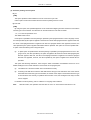
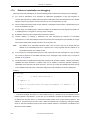
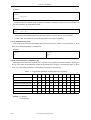
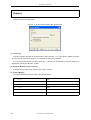
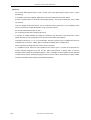
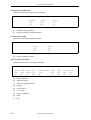
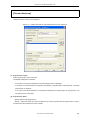
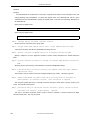
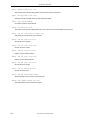
@cfile
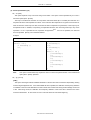
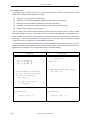
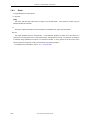
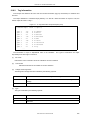
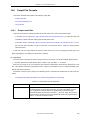
This option handles cfile as a command file. A command file specifies an option and a file name for a
command not as arguments on the command line but by describing them in a file. On Windows, the length of
a character string specified as an option of a command is limited. If many options are set and some of the
options cannot be recognized, create a command file and specify this option.
For details of the command file, refer to "3.7.2 Command file".
330
User’s Manual U18512EJ1V0UM