1
CHAPTER 12 CROSS REFERENCE TOOL
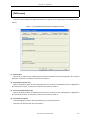
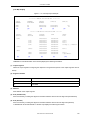
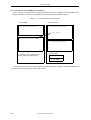
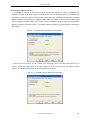
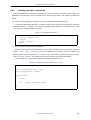
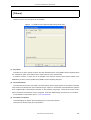
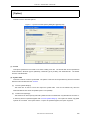
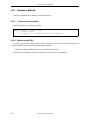
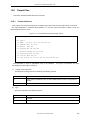
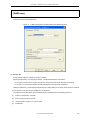
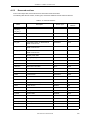
[Cross reference list]
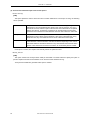
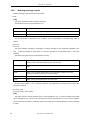
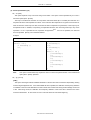
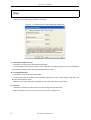
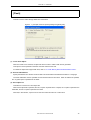
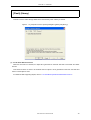
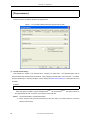
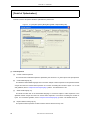
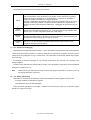
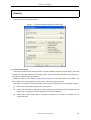
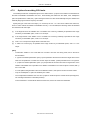
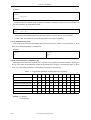
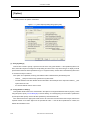
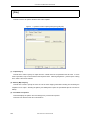
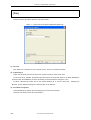
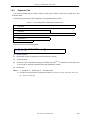
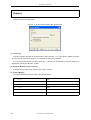
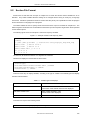
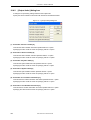
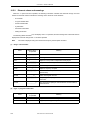
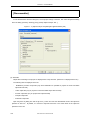
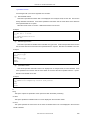
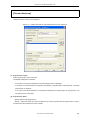
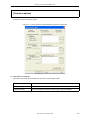
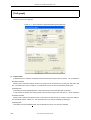
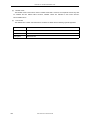
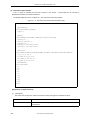
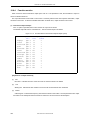
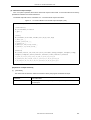
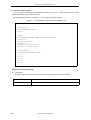
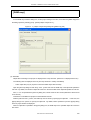
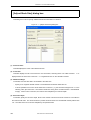
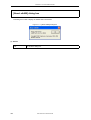
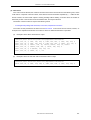
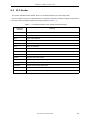
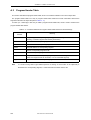
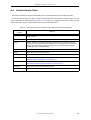
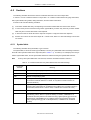
This tab is used to set the cross reference list.
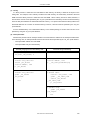
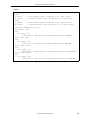
Figure 12 - 4 [Cross reference option] Dialog Box ([Cross reference list] Tab)
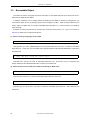
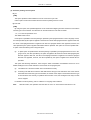
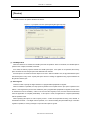
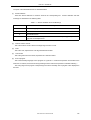
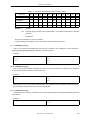
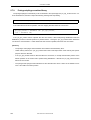
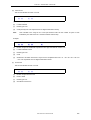
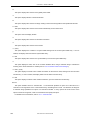
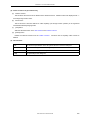
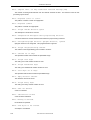
(1) Output format
If "Output cross reference list" is checked, the analysis result is output in the text format. This is not checked
in the default condition.
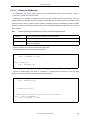
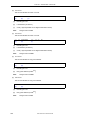
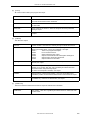
Specify a file to which the analysis result is to be output in the text format, by using the "File name" edit box. The
default file name is cxref. The default file name can also be specified by clicking the [Default] button
This setting box and the [Default] button can be selected only if "Output cross reference list" is selected.
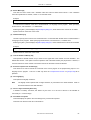
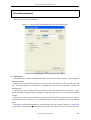
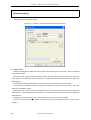
If "Generate all analyzing files" is checked on the [Cross reference] tab, "Output cross reference list" remains
on.
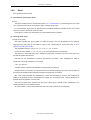
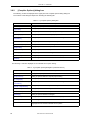
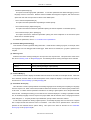
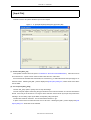
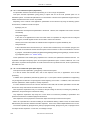
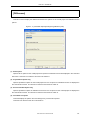
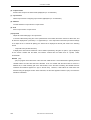
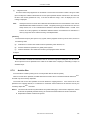
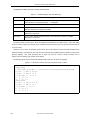
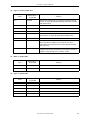
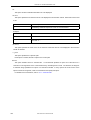
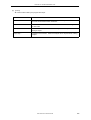
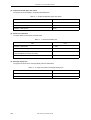
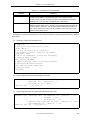
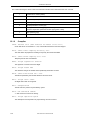
[Button]
(a)
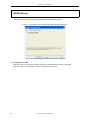
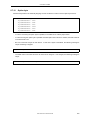
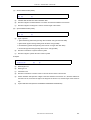
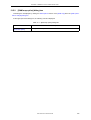
[Set default option] button
This button returns the current setting of the dialog box to the default status.
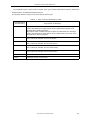
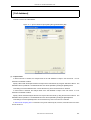
If "Generate all analyzing files" is checked on the [Cross reference] tab, "Output cross reference list"
remains on.
344
User’s Manual U18512EJ1V0UM