1
2.2.3 Physical Interface
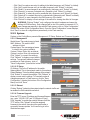
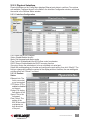
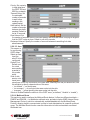
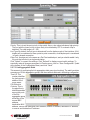
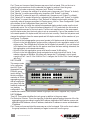
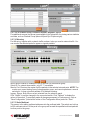
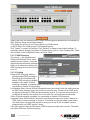
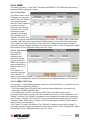
Physical Interface on the Config Menu displays Ethernet port status in real time. Two options
are available: Configure the port in the fields in the Interface Configuration window; and check
the results in the Runtime Status window.
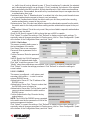
2.2.3.1 Interface Configuration
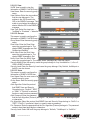
Port: Select the port to configure.
Status: Enable/disable the port.
Mode: Set the speed and duplex mode.
Flow Control: Enable/disable the 802.3x flow control mechanism.
DHCP-Snoop: Enable/disable the DHCP snooping function.
Snooping: Assign the selected port to be an untrusted or trusted port.
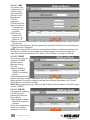
Select the corresponding port number and configure the port setting, then click “Modify.” The
field you change will update the content of the display window. However, the new settings do
not take effect until “Submit” is clicked.
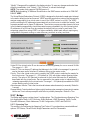
2.2.3.2 Runtime
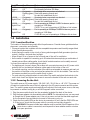
Status
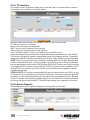
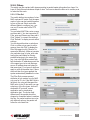
Ethernet Link: The
link is connected
or not connected.
STP Status: STP is
enabled or disabled
on the port.
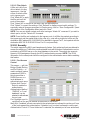
Duplex: Full duplex,
half duplex or NA.
Speed: This is the
link speed.
Flow Control: The
setting of the
802.3x flow control
mechanism on
both directions
of the port.
web management
15