1
SLMS Student Guide
SharpSchool User Manual
II.
Viewing Submissions
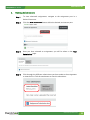
Step 1
To view submitted assignments, navigate to the assignment post in a
desired classroom.
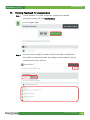
Step 2
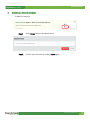
Click the View Submission button within the desired assignment post.
Step 3
Once you have selected an assignment, you will be taken to the Your
Submissions page.
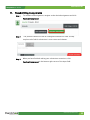
Step 4
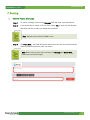
Click through the different submissions you have made to the assignment
to view the file. Click the attachment to view the submission.
www.sharpschool.com
11