1
SLMS Student Guide
SharpSchool User Manual
6. Pending Approval
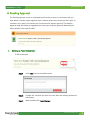
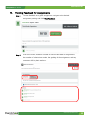
The Pending Approval screen is populated by the number of posts or comments that you
have, which currently require approval from a teacher before they can go live. Every post, or
comment, you create in the classes you are connected to require approval. The Pending
Approval page will display an aggregation of every post requiring approval (depending on
either global or class specific view).
I.
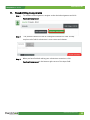
Editing a Post/Comment
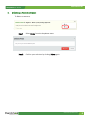
To Edit a comment,
Step 1
Select Edit from the dropdown menu
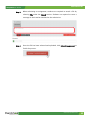
Step 2
Change the comment by select the text field and editing the desired
information
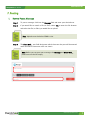
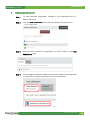
Step 3
When finished click, Save Changes.
www.sharpschool.com
5