1
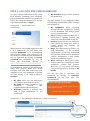
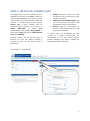
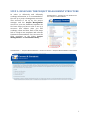
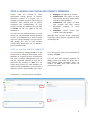
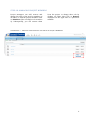
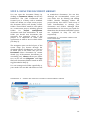
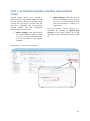
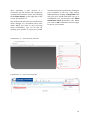
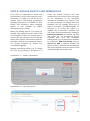
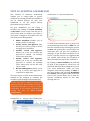
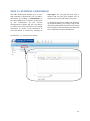
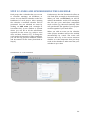
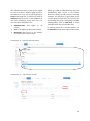
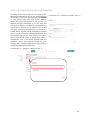
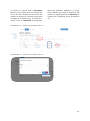
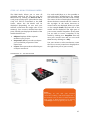
STEP 13: UPLOADING, DOWNLOADING AND MERGING OF (3D) MODELS The C&C Framework offers you a BIMserver for 3D models. The server cannot be used for modelling itself (for this modelling software is needed), but serves as a platform to upload, download and merge 3D models in the IFC standard. The BIM-server is accessible through every W3C standard compliant web browsers (for free examples see the help page). You can find the BIMserver in the dashlet on your Site Dashboard (you can also open it in a new window by clicking on the dashlet title: BIM-server). The BIM-server only supports IFC files. Hence, to use the BIM-server you need software fitted to the IFC format (see Help for examples of IFC certified software and free IFC viewers). Log on using the server with the login details for the BIM-server you received from the C&C project team. SCREENSHOT 27 - OPENING THE BIM-SERVER After you have logged on to the BIM-server your Dashboard will be displayed. Your dashboard contains all recent site-activities (only available for the administrator). The BIM-server offers you five other functionalities: Projects: Described in Step 13A. Users: All the users of the BIM-server are displayed here. This option is only accessible by administrators and can be used to add/delete users and reset passwords. User settings: To change user settings by the administrator Server settings: To change server settings by the administrator. Server info: Only accessible by the administrator. You can also find your user details by clicking on your name on the top-right. Furthermore, you can reset your password and logout by activating the drop-down menu (blue rectangle in Screenshot 28). SCREENSHOT 28 – THE MAIN BAR IN THE BIM-SERVER 21