1
20
WaveLink TelnetCE 1.0 User Manual
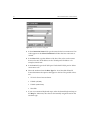
5 Click Update to update the host connection. Then close the dialog box.
If you want to delete the host connection, click Delete.
Connecting to a Host
To connect to a configured host, follow these steps.
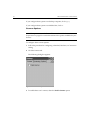
1 Select Connect from the Term menu located on the main TelnetCE
screen.
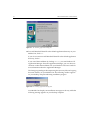
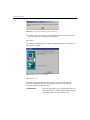
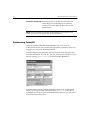
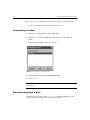
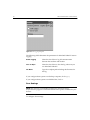
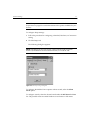
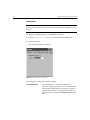
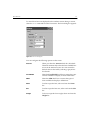
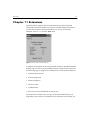
The Connecting to Host dialog box appears.
Figure 4-3. The Connecting to Host Dialog Box
2 Select the desired host from the Select Host field.
3 Click Connect.
NOTE If the Select Host field is empty, you must add a host before making a
connection.
Disconnecting from a Host
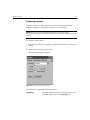
To disconnect from a host, select Disconnect from the Term menu. This
option is grayed out if there are no active host sessions.