1
Appendix D: Utilities
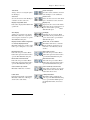
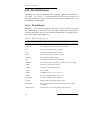
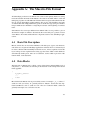
Options:
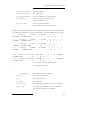
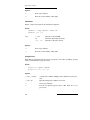
-a
Append structures to the output file
-all
Convert all structures (synonym for -n 1:). This is the default action.
-h
Show usage summary
-n structs
Specify a comma delimited series of colon-separated ranges and single
values to convert. For example:
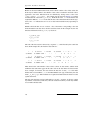
1:10,14
2:
:5,13:18
(structures 1 through 10 and 14)
(structure 2 through end of file)
(structure 1 through 5, and 13 through 18)
For multiple -n options, the right-most takes precedence.
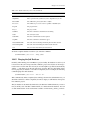
Example:
$SCHRODINGER/utilities/sdconvert -n 1: -isd lig.sdf -omae
lig.mae
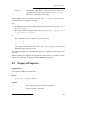
D.2
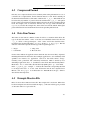
Structure Extraction
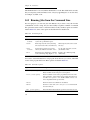
This section describes utilities for extracting a subset of structures from a structure file.
The first two utilities, maesubset and sdsubset, extract structures by index. The third
utility, propfilter, extracts structures from a Maestro-formatted file based on values of
properties.
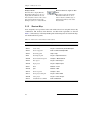
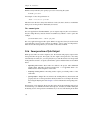
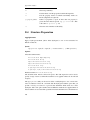
maesubset
Extract a subset of structures from a Maestro format input file.
Syntax:
maesubset -n range full.mae > subset.mae
maesubset [-h] [-v]
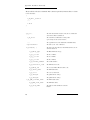
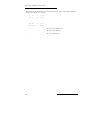
range
1:200
(structures 1 through 200)
50:
(structures 50 through end of file)
"1:5, 14"
(structures 1 through 5 and 14)
Maestro 6.5 User Manual
203