1
Chapter 9: Tools
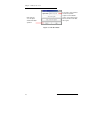
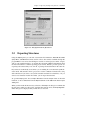
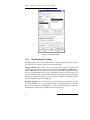
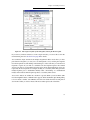
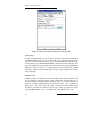
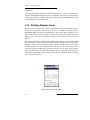
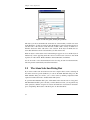
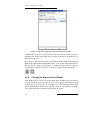
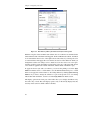
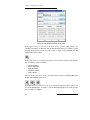
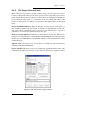
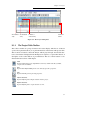
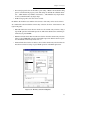
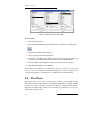
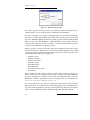
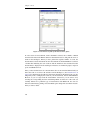
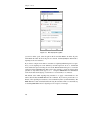
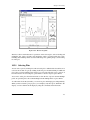
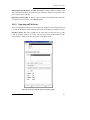
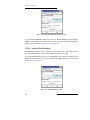
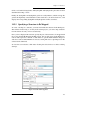
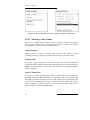
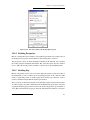
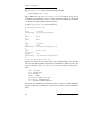
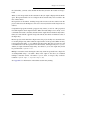
Figure 9.3. The Superposition panel.
you need to delete a pair, select the pair in the list and click Delete. To delete all pairs,
click Delete All. After all the atom pairs are selected, click Superimpose Atom Pairs to
superimpose the two structures.
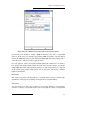
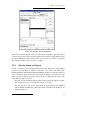
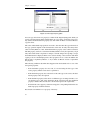
If you want to compare more than two structures or if picking individual pairs is not practical, you can superimpose atoms defined by an ASL expression. To do so, click Select
and construct the expression using the tools in the Atom Selection dialog box, or enter the
expression in the Superimpose by ASL text box. For example, to apply the superposition
operation to only carbon atoms, type atom.e C and press ENTER. For more information
on the Atom Selection Language, see the Maestro Command Reference Manual.
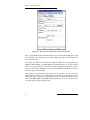
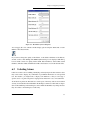
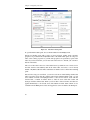
The default action when superimposing structures is to apply a transformation to the
entries, then calculate the RMS difference in coordinates. If you want to preserve the coordinates of the superimposed structures, select Calculate ‘in place’ (no transformation). The
RMS difference is then calculated without moving the structures. This is a convenient way
of obtaining RMS differences for ligand poses in a receptor, for example.
108
Maestro 6.5 User Manual