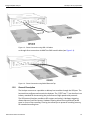
1
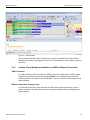
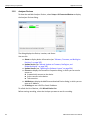
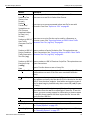
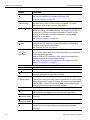
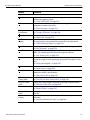
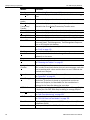
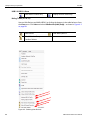
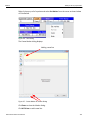
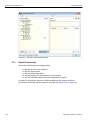
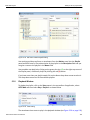
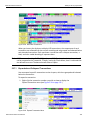
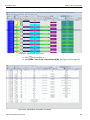
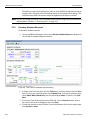
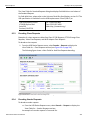
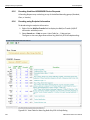
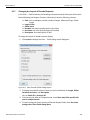
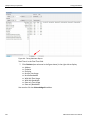
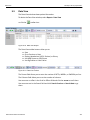
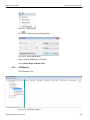
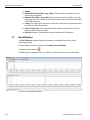
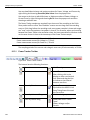
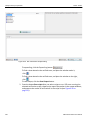
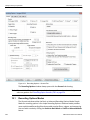
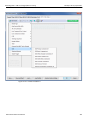
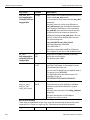
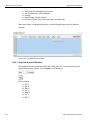
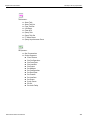
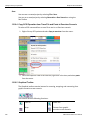
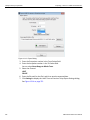
Teledyne LeCroy Corporation 5.1.3 Markers Link Commands (other than Flow Control) LMP Packets Electrical Idles LFPS Packets Termination Packets (Time stamped when termination is detected by Analyzer) Packet Direction The Packet Direction field displays the direction the packet or signal was traveling on the bus: Downstream from a Host or Upstream from a Device . In most cases, direction can be determined unambiguously. However, some signals and situations, including protocol errors, cannot be determined with high confidence, since either Host or Device might be responsible for them. Such cases are marked as Question Marks in the trace. Rather than mis‐identifying the signal, the software requires you to determine direction (or note an error condition, which experience has shown is rare). In most cases, you can assume the direction based on the sequence of events that occurred. 5.2 Markers This section explains the features of Markers. A marker is an entity that flags a physical or logical item of interest within a trace file. A marker contains one or more attachments. You can add a marker to a trace file or unmark a trace file by removing the marker. Markers are represented graphically in a different way in the application.You can not only add markers to the packets but it is granular enabling you to also add markers to individual cells. 5.2.1 Markers Overview This functionality provides the user an easy way to navigate through attachments which is a discrete piece of information or data added to a marker, for example, a text description or file, an attachment of a trace file by a predefined order, video or audio files, URL links or any other files. 5.2.2 Functionality of Markers The markers functionality allows you to add markers to: Whole packets or frames Specific Cells Specific values within a cell: Bytes, words, etc. You can add attachments to markers (see Figure 5.6 on page 107). 106 USB Protocol Suite User Manual