1
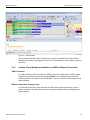
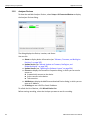
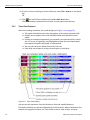
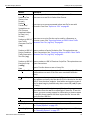
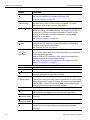
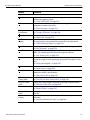
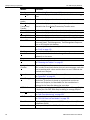
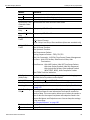
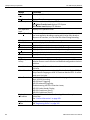
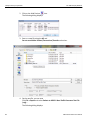
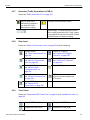
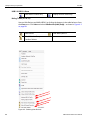
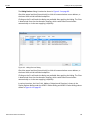
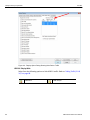
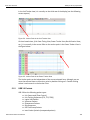
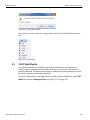
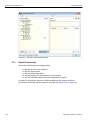
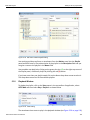
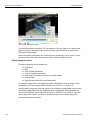
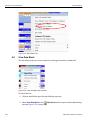
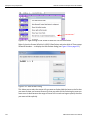
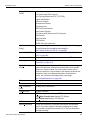
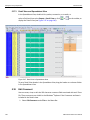
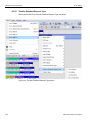
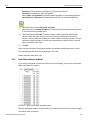
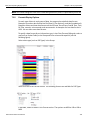
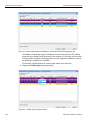
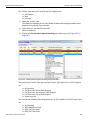
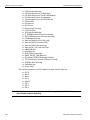
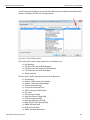
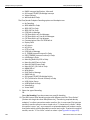
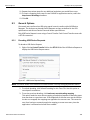
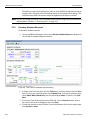
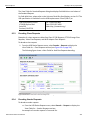
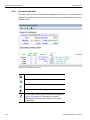
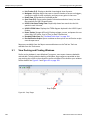
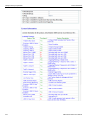
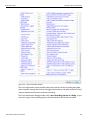
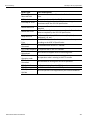
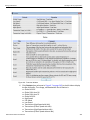
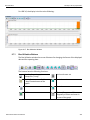
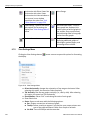
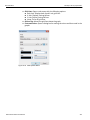
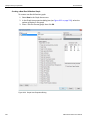
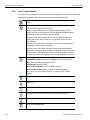
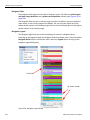
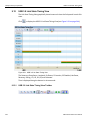
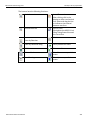
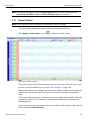
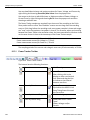
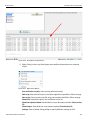
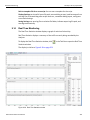
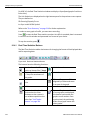
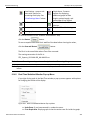
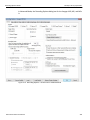
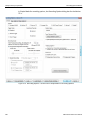
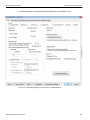
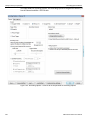
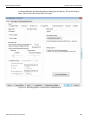
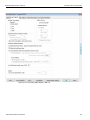
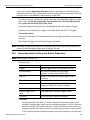
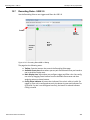
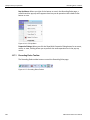
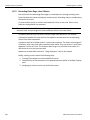
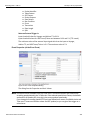
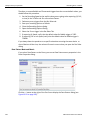
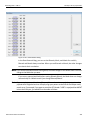
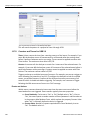
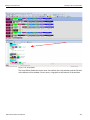
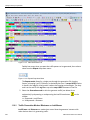
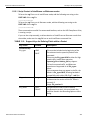
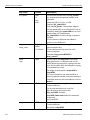
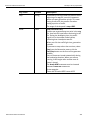
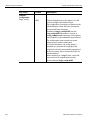
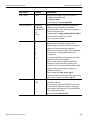
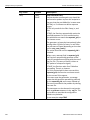
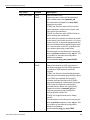
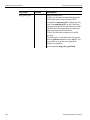
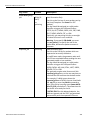
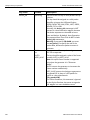
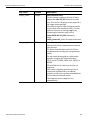
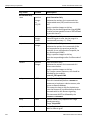
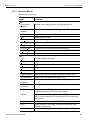
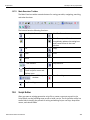
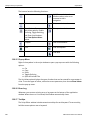
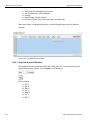
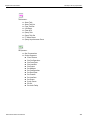
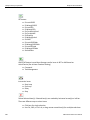
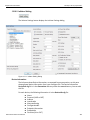
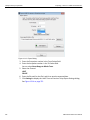
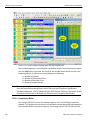
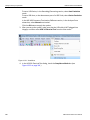
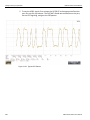
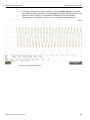
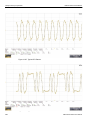
Teledyne LeCroy Corporation Real Time Monitoring For USB 3.0, the Real‐Time Statistics window can display a SuperSpeed graph of real‐time link activity. The Link Statistics are displayed on the right bottom panel in the previous screen capture. They are defined as: RD: Running Disparity Errors Inv Sym: Invalid 10‐Bit Symbol Refer to the “Error Summary” on page 214 for further explanation. In order to see a graph of traffic, you must start recording. Press to start the Real‐Time statistics monitor. As traffic is recorded, data is streamed in real time to this window and presented in a format of your choice. To stop the monitor, press 9.14.1 . Real-Time Statistics Buttons The Real‐Time Statistics toolbar has buttons for changing the format of the displayed data and for exporting data: Figure 9.40: Real time Statistics Buttons The buttons have the following functions: Save As ‐ Saves Real‐Time graphs as bitmap files (*.bmp) Email ‐ Creates an email with a *.bmp file attachment of the graphs Print Vertical zoom in Vertical zoom out Click and Drag zoom ‐ Click diagonally to select and zoom in on part of the graph Full Screen Synchronize with other Views. Synchronizes the View windows so that a move in one window repositions the other. See “Link Tracker Buttons” on page 234. 254 Sync and Graph areas ‐ If two or more graphs are displayed, this button synchronizes the graphs to one another. Once synchronized, the positioning slider of one graph moves the other graphs. USB Protocol Suite User Manual