1
«◄○►»
09.04.03 – Editing the Fee Recovery Block
Back
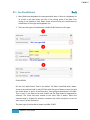
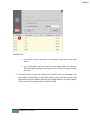
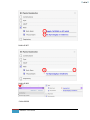
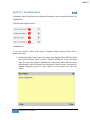
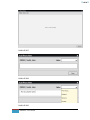
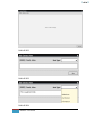
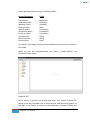
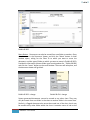
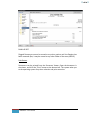
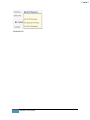
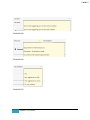
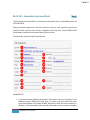
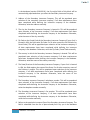
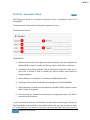
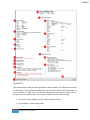
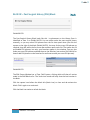
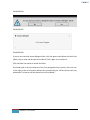
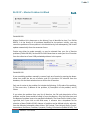
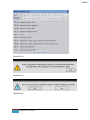
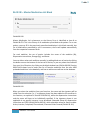
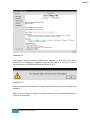
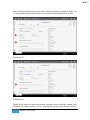
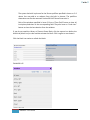
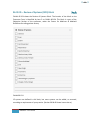
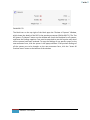
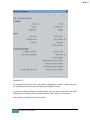
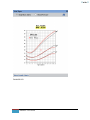
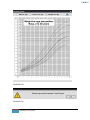
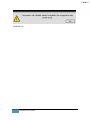
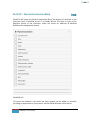
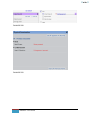
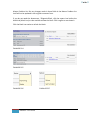
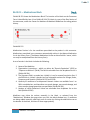
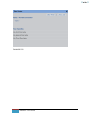
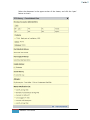
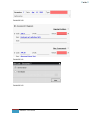
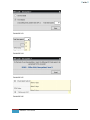
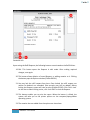
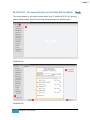
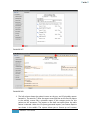
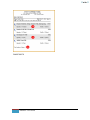
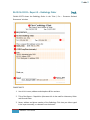
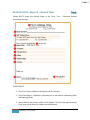
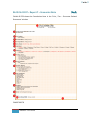
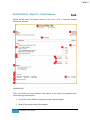
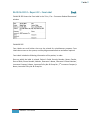
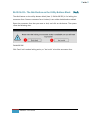
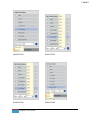
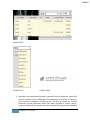
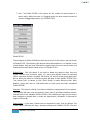
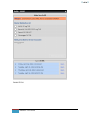
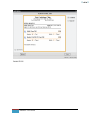
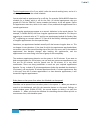
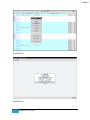
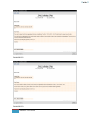
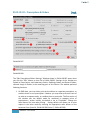
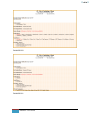
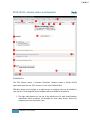
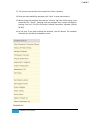
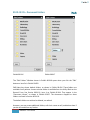
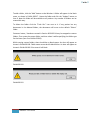
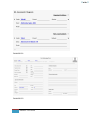
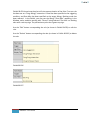
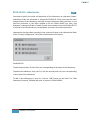
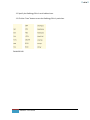
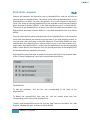
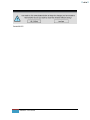
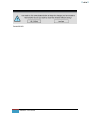
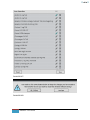
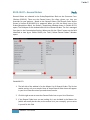
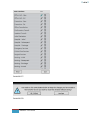
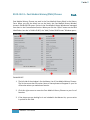
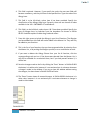
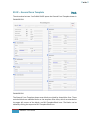
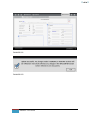
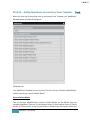
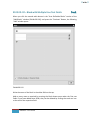
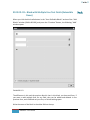
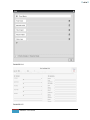
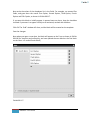
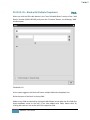
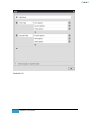
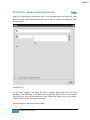
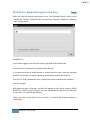
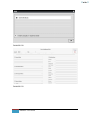
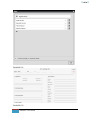
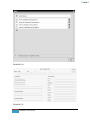
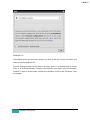
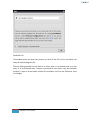
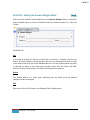
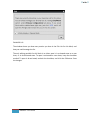
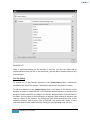
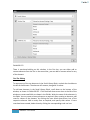
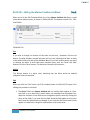
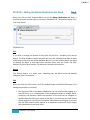
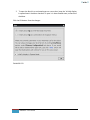
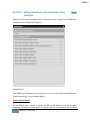
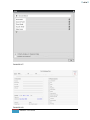
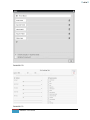
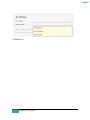
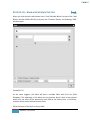
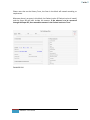
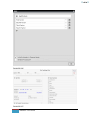
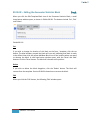
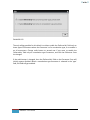
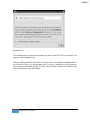
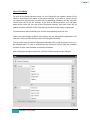
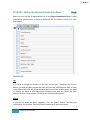
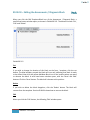
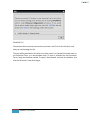
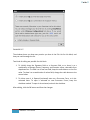
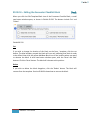
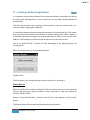
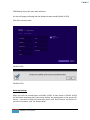
When you click the Edit-Template-Block Icon of the Fee Recovery Block, a small two
button window opens, as shown in Exhibit 09.193. The buttons include ‘Cut’ and
‘Delete’.
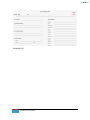
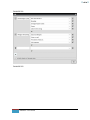
Exhibit 09.193
Cut
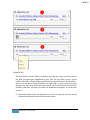
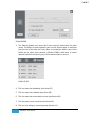
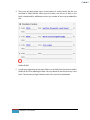
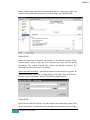
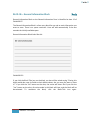
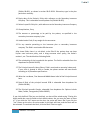
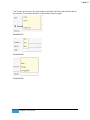
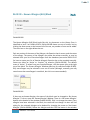
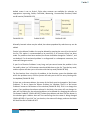
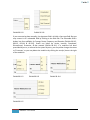
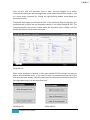
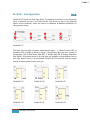
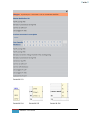
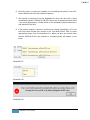
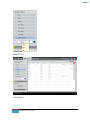
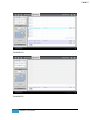
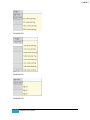
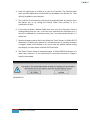
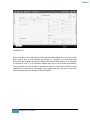
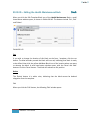
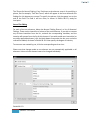
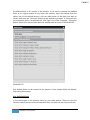
If you wish to change the location of this block on the form / template, click the cut
button. The blue boundary around the block will turn red, indicating that block is ready
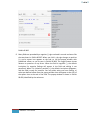
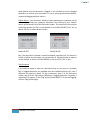
to be shifted. Now click the yellow Add-New-Block Icon of the location where you want
to relocate the block. A small two button window opens, with the ‘Paste’ and ‘Add’
buttons. Click the ‘Paste’ button. The block will relocate to this position.
Delete
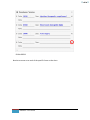
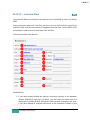
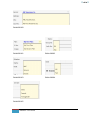
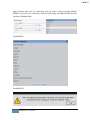
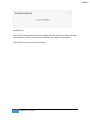
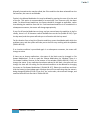
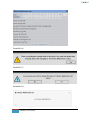
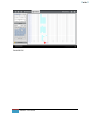
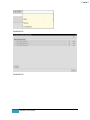
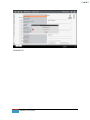
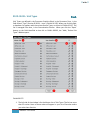
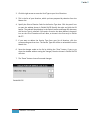
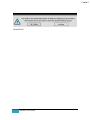
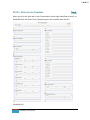
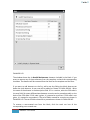
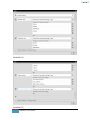
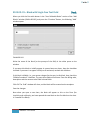
If you wish to delete the block altogether, click the ‘Delete’ button. The block will
remove from the template. Section 09.04.01 shows how to restore the block.
434
EMR NEXT – User Manual